
Your flight, even without Wi-Fi.
Add your flight before boarding and follow it on an offline map, even in airplane mode. Then keep every trip in your FlightBook: a globe of your routes, your miles and the countries you've collected.
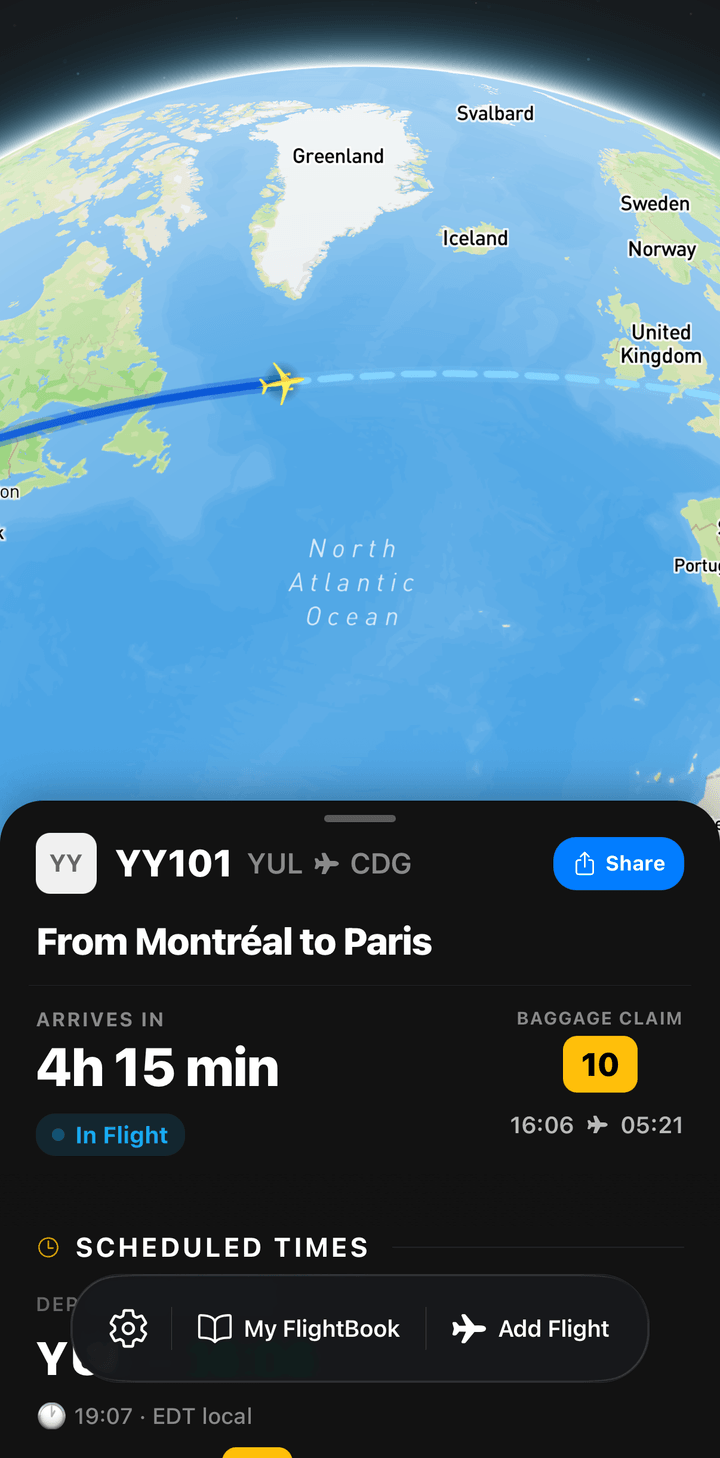
- Offline route map
- Flight status
- FlightBook
- Share stickers
- Airlines covered
- 400+
- In-flight Wi-Fi needed
- None
- App languages
- 12
- Available on
- iPhone · Android
Built for the whole trip
From the gate to the baggage belt.
FlyingOver follows a flight the way you live it: preparing at home, waiting at the airport, looking out of the window and remembering it later.
-
Before takeoff
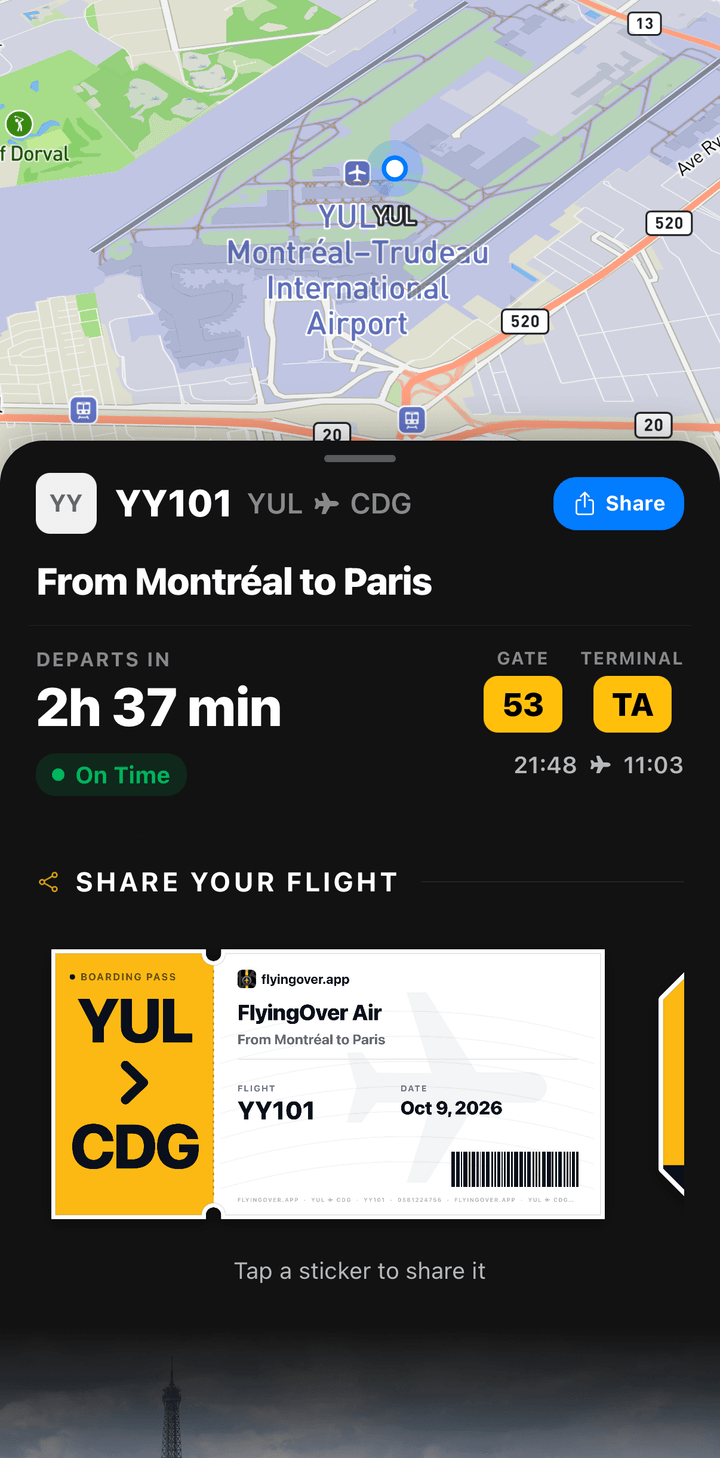
Add your flight while you're online. The app saves the route and the map for the trip.
-
At the airport
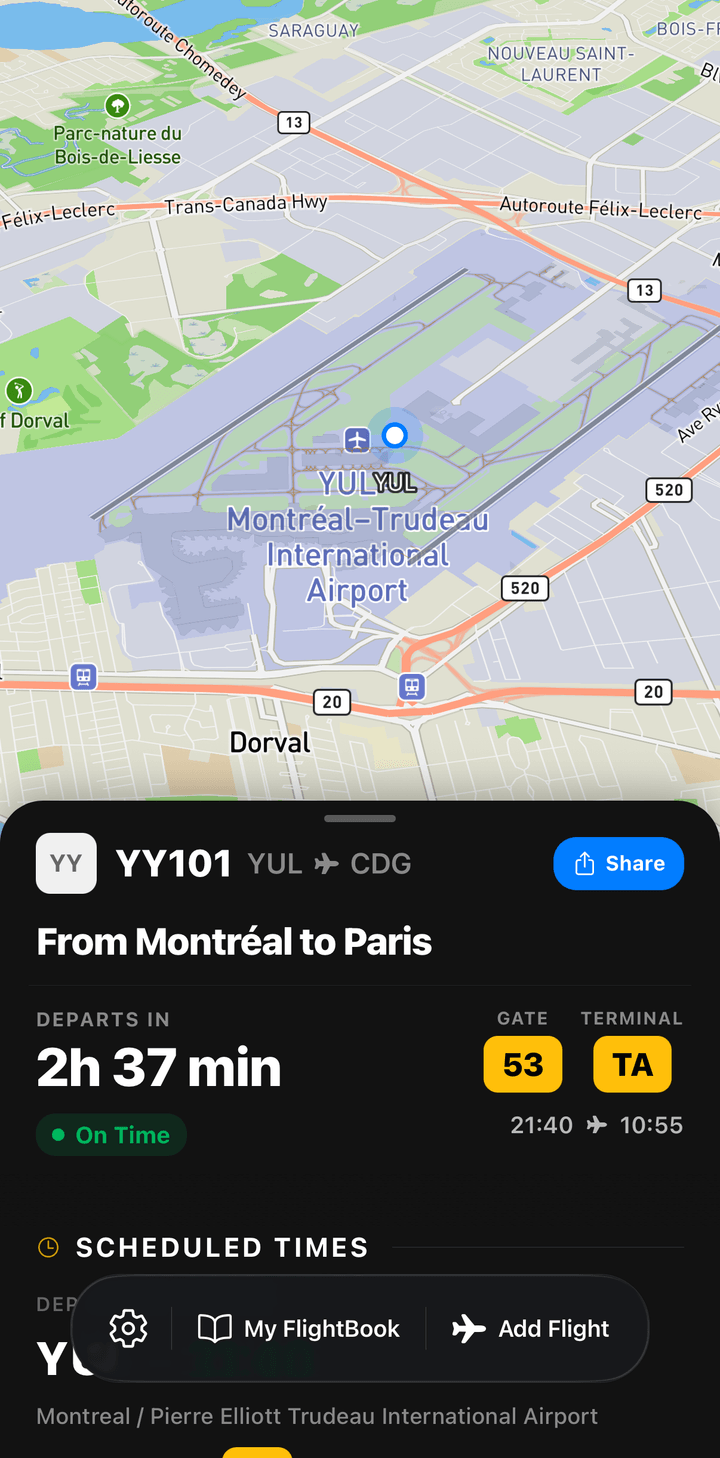
Times, delays, terminal and gate in one place, with alerts when something changes.
-
In the air
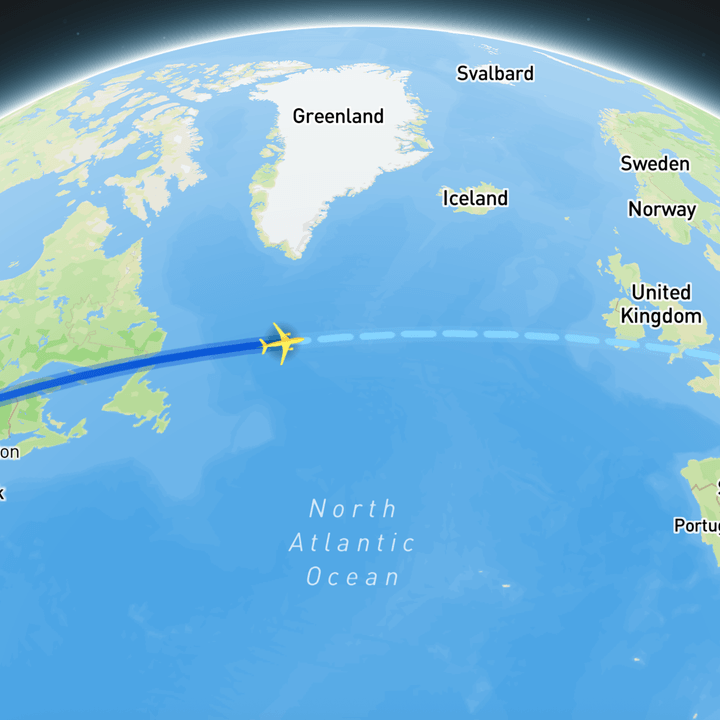
Switch to airplane mode. The map shows where the plane should be and what you're flying over.
-
After landing
The trip lands in your FlightBook, with the distance, the hours and a sticker to share.
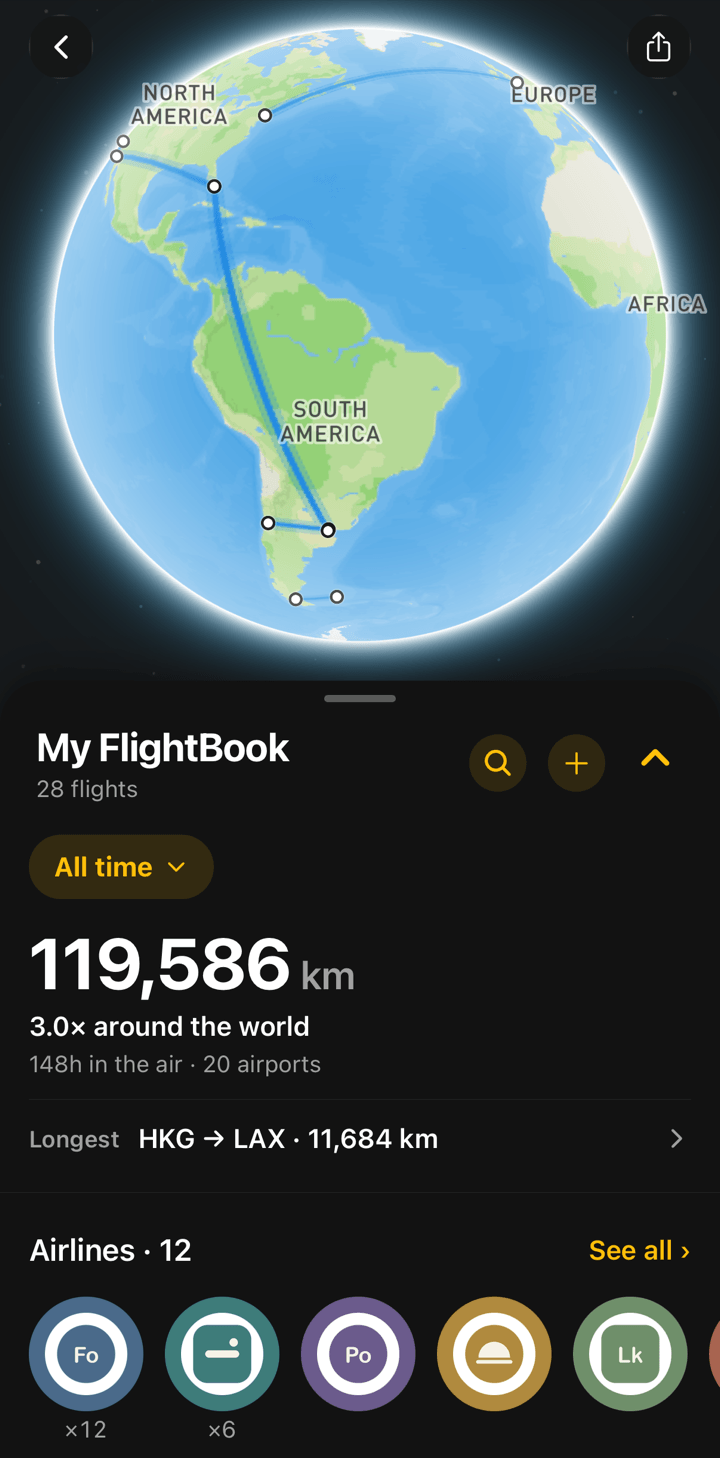
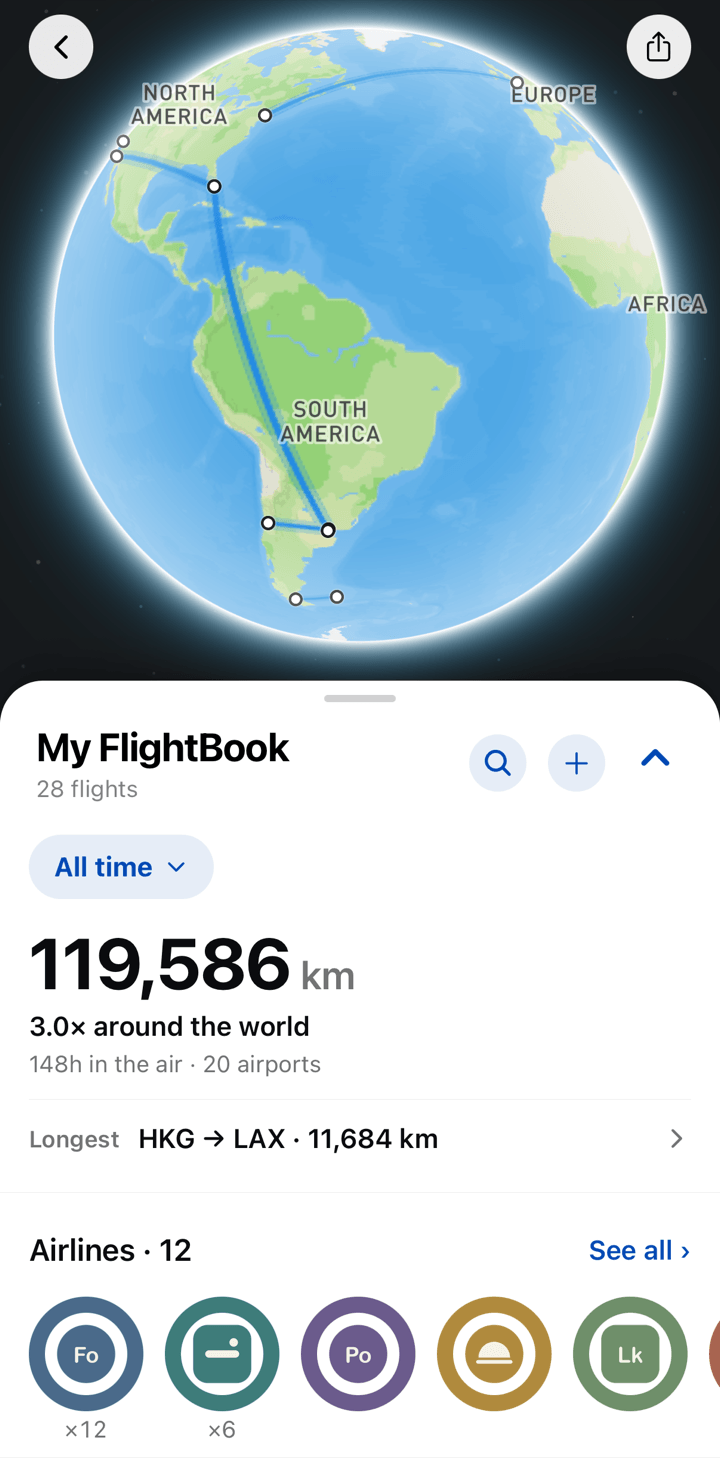
New · FlightBook · Premium
Every flight you've taken, on one globe.
FlightBook turns your trips into a personal flight log: past routes in blue, today's flight in amber, upcoming ones in green. Distance, hours in the air, countries and aircraft add up on their own.
- Totals for all time or a single year, compared to trips around the world
- Countries as flags and aircraft you've flown, with the ones still to collect
- Add past flights by flight number, or import your history from a spreadsheet
New · Share stickers
A boarding pass for your stories.
Every flight comes with two die-cut stickers, a boarding pass and a bag tag, with your airports, date and seat. Copy one into a story or a chat, or share it as a full story image.
- Ready on the home screen as soon as you add a flight
- Year-in-review and milestone cards in your FlightBook
- No passenger name and never the booking number, just the seat if you saved one
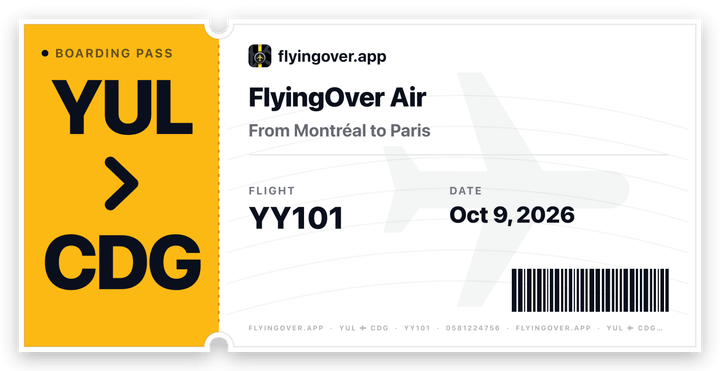

Illustration with example data. In the app the stickers show your own flight.
What's inside
Everything a trip needs, in one app.
-
Offline route map
Prepared before boarding and readable without any connection.
-
What you're flying over
Cities, coastlines, lakes and borders along the route.
-
Flight status
Scheduled and estimated times, from departure to arrival.
-
Gate and delay alerts Premium
Gate, terminal and delay changes, pushed to your phone.
-
Connections
One card follows a multi-leg trip and shows how the layover looks.
-
Booking number and seat
Saved with each flight, one tap to copy at the counter.
Free and Premium
Free to track. Premium for the details and your FlightBook.
Tracking a flight, the offline map and the share stickers are free. Premium adds FlightBook, the live airport details and alerts.
| Free to track. Premium for the details and your FlightBook. | Free | Premium |
|---|---|---|
| Search and follow any flight | Included | Included |
| Offline route map, also in airplane mode | Included | Included |
| Boarding-pass and bag-tag stickers | Included | Included |
| Booking number and seat | Included | Included |
| FlightBook, stats and share cards | Not included | Included |
| Upcoming flights saved at any date | Not included | Included |
| Gate, terminal and delay details | Not included | Included |
| Push alerts for gate changes, delays and landing | Not included | Included |
| Live Activity on the iPhone Lock Screen | Not included | Included |
The free plan keeps one upcoming flight up to 7 days ahead. Premium is an optional subscription; the price for your country is shown in the app before you subscribe.
Guides for flying without Wi-Fi
All guidesTravel guides
Connecting at European airports
- Amsterdam Schiphol connection time: 50 or 60 minutes?
- Athens Airport connections: gates, checks and time
- Frankfurt Airport connections: time, terminals, checks
- Heathrow connections: terminals, security and time
- Madrid-Barajas connections: T4, T1-T3 and transfer times
- Munich Airport connections: time, terminals and checks
- Paris-CDG connection time: how long you need by terminal
- Paris-CDG new terminal names: old vs new, March 2027
- Rome Fiumicino connections: transfer rules and terminals
Flying in the US and Canada
- Busiest travel days at US airports: TSA checkpoint records
- Can a delayed flight make up time in the air?
- Connecting in Canada to the US: preclearance explained
- Flight delay compensation in Canada: APPR explained
- Flight delayed or canceled? What US rules say you're owed
- Ground stop vs. ground delay: what it means for your flight
- International to domestic connections: customs, bags, TSA
- Is a 1-hour layover enough? How to tell before you book
- Missed your connection because of a delay? What happens next
- Most delayed US airports: on-time ranking, updated monthly
- Scheduled, estimated, landed: flight status terms explained
- US customs wait times by airport: passport control lines
- What happens if you don't use airplane mode on a plane?
- What state am I flying over right now?
- Where is my plane coming from? Why the inbound matters
- Why is my plane circling? Holding patterns explained
- Why planes fly curved routes instead of straight lines
Connecting at North American airports
- Atlanta airport layover: is 1 hour enough to connect?
- Charlotte airport layover: is a short connection enough?
- Denver airport layover: is 45 minutes or 1 hour enough?
- DFW layover: changing terminals and how much time you need
- JFK layover: changing terminals, customs and time needed
- Newark airport layover: changing terminals and customs
- O'Hare layover: changing terminals and connection time
- Seattle airport layover: international connection time
- SFO layover: international connections and terminals
- Toronto Pearson connection guide: customs and preclearance
- Vancouver airport connections: customs and US preclearance
Frequently asked questions
All questionsWhat is FlyingOver?
Can I track my flight without Wi-Fi or in airplane mode?
Does FlyingOver use my phone's GPS?
What is FlightBook?
Is FlyingOver free?

Your next flight starts here.
Download FlyingOver, add your flight and you're ready for takeoff, Wi-Fi or not.