
Features
Everything FlyingOver does, screen by screen.
One app for the whole trip: getting ready before boarding, following the flight without Wi-Fi, and keeping it once you land.
An offline map of your route
Add your flight while you're online and FlyingOver saves the route and the map for it. In the air, put your phone in airplane mode: the map still works, with no in-flight Wi-Fi to buy.
- Your position is estimated in real time from several data sources: airline and airport data, weather, on-time statistics and historical averages
- FlyingOver doesn't use GPS and never asks for your location
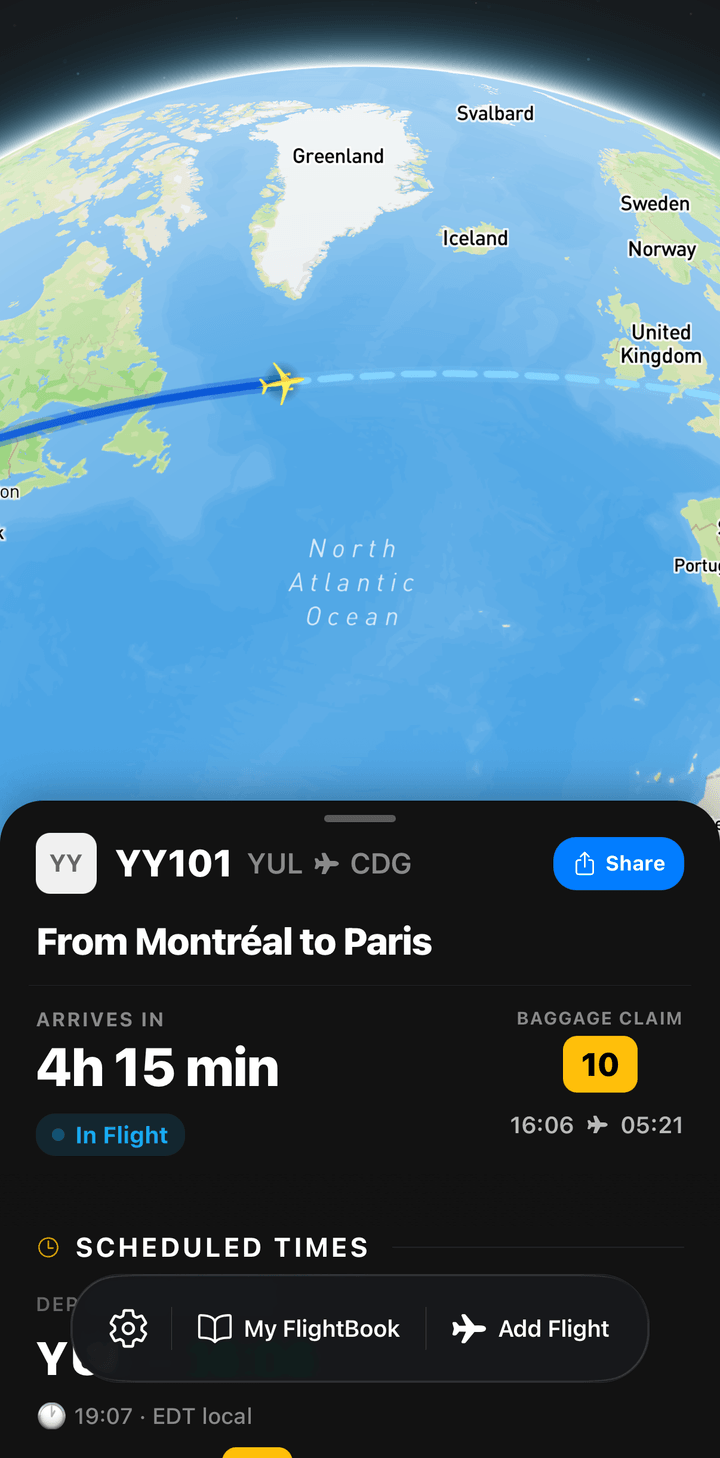
What you're flying over
Cities, coastlines, lakes, mountains and borders along your route are labelled on the map, so the view from the window finally has names.
What am I flying over?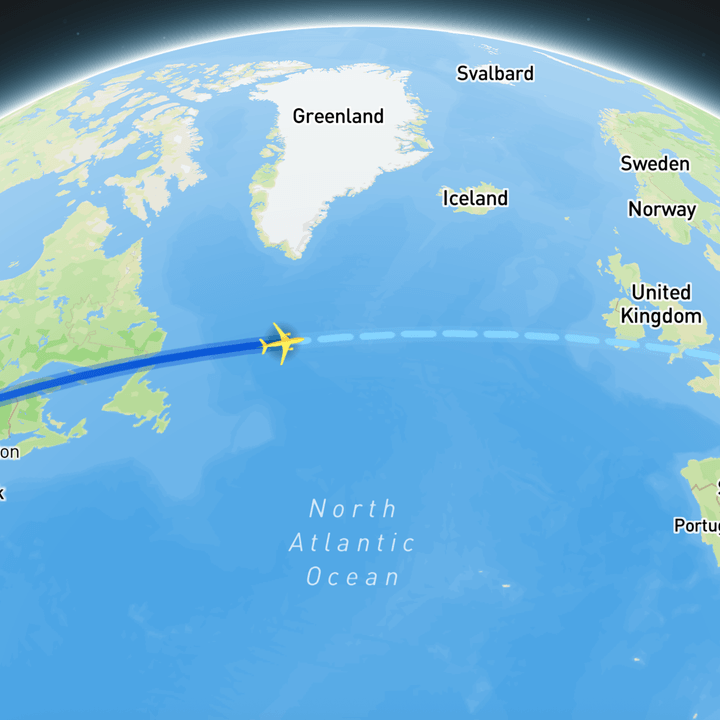
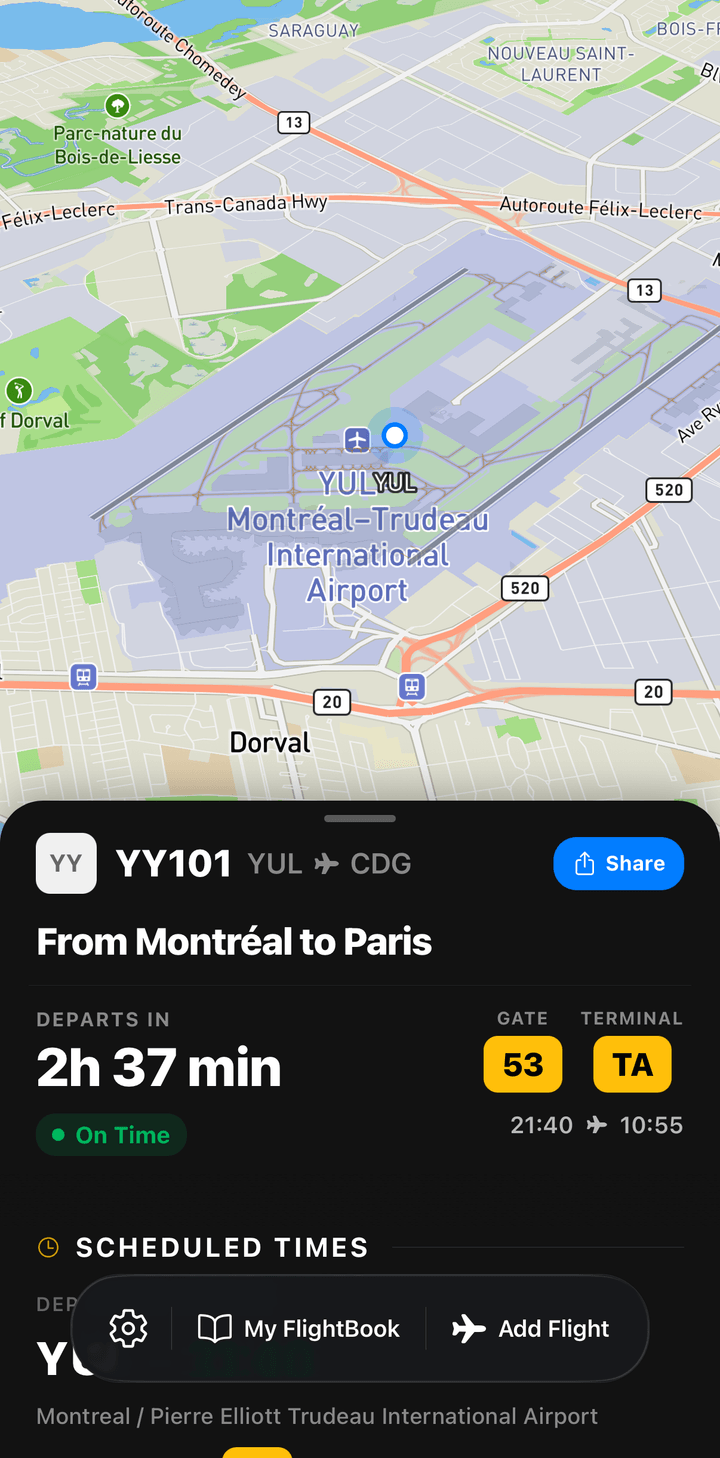
Flight status and alerts
Scheduled and estimated times from departure to arrival on one sheet. With Premium you also get gate, terminal and delay details, and push alerts when they change.
- Where your plane is coming from before it reaches your gate
- Live Activity on the iPhone Lock Screen (Premium)
Connections at a glance
Flying with a layover? One card follows the whole trip, leg by leg, and shows whether the connection looks comfortable or tight.
Is your layover long enough?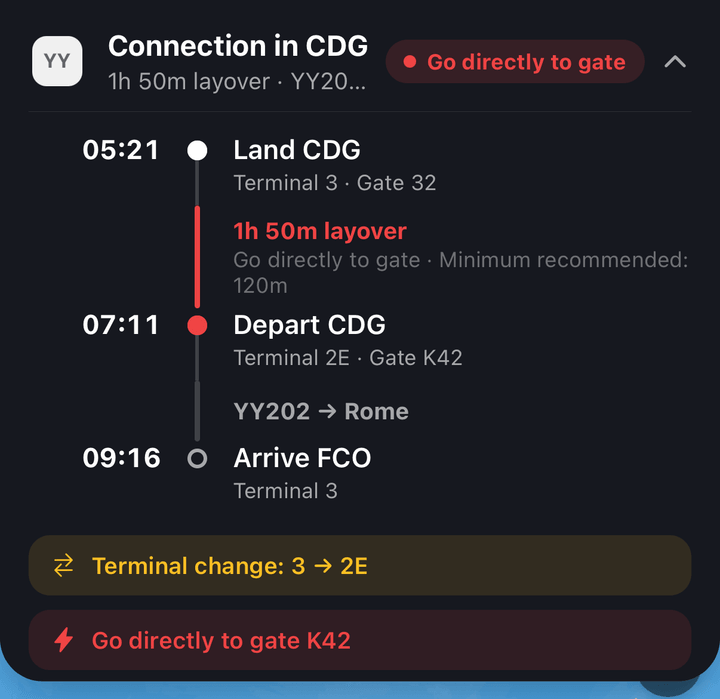
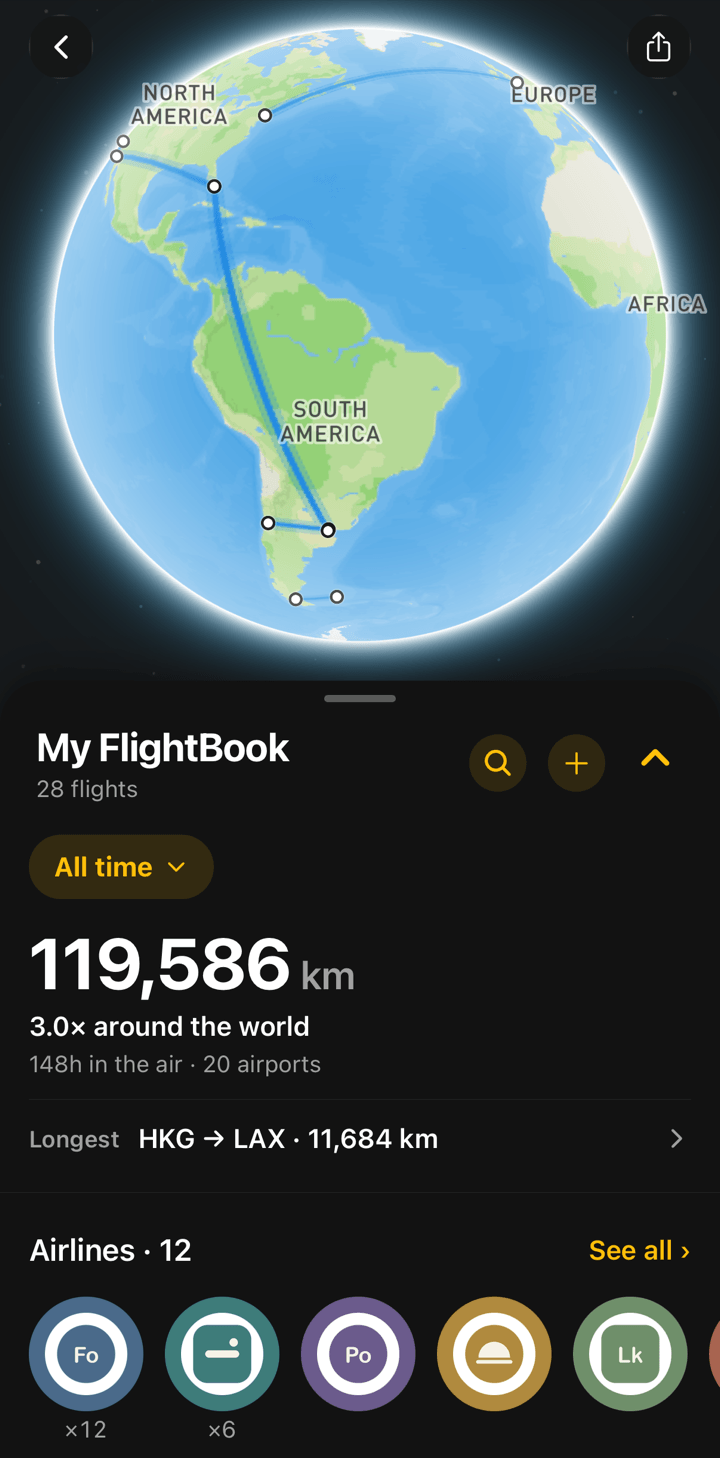
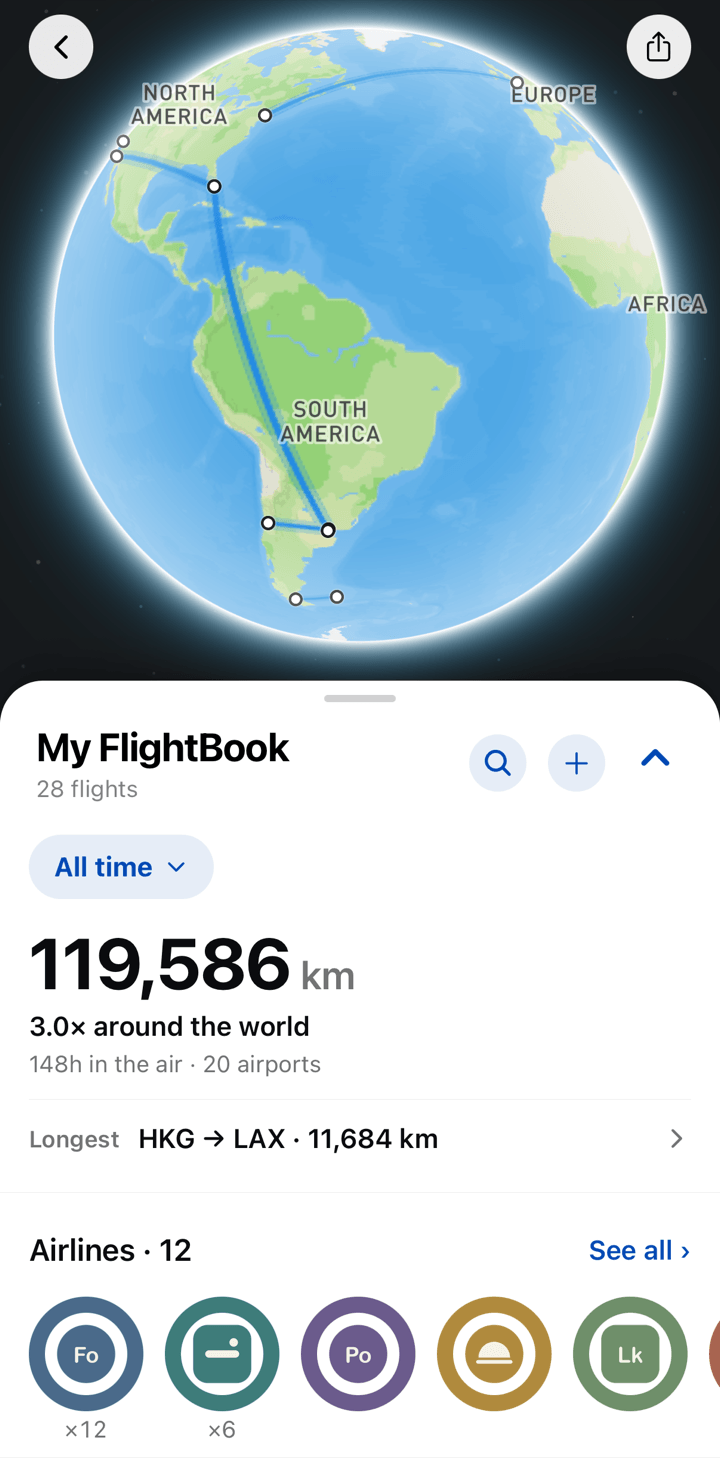
FlightBook: your flight log Premium
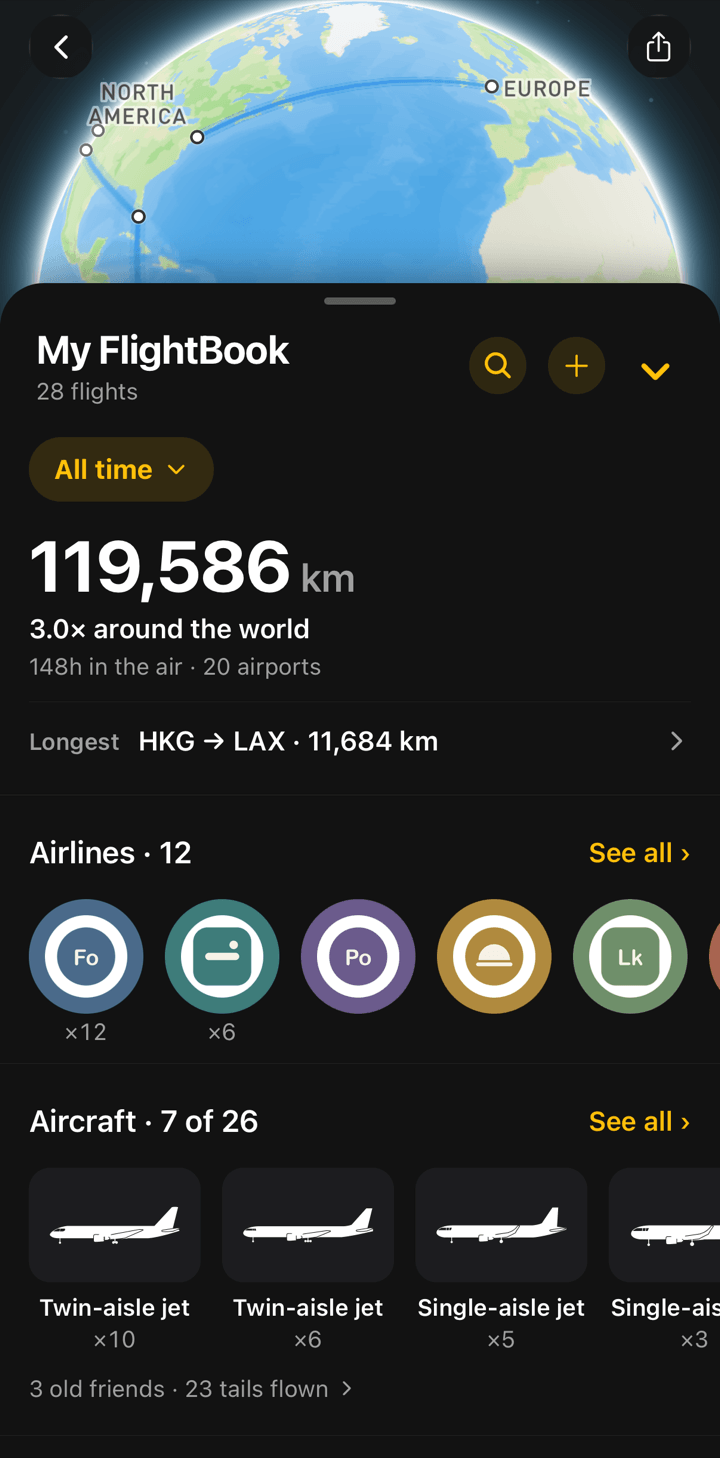
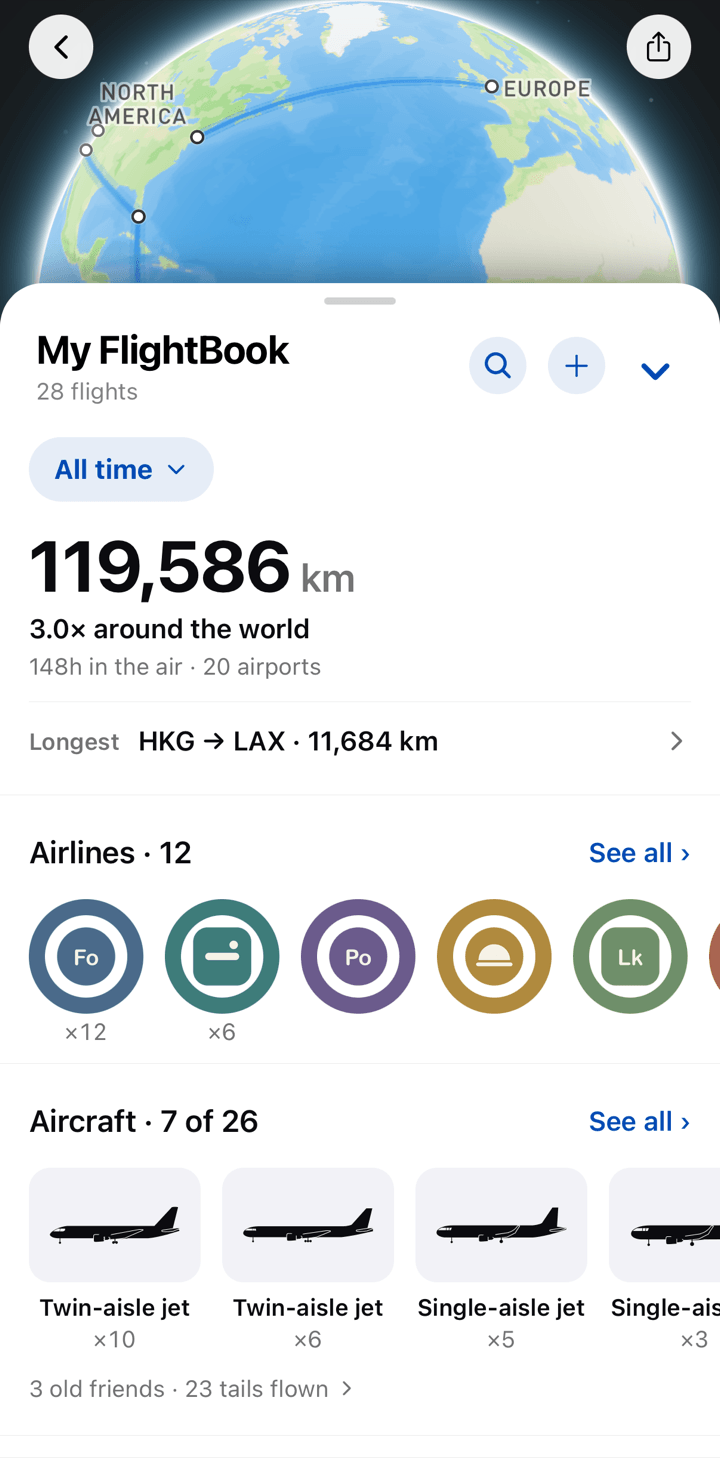
FlightBook builds itself. Every flight you track lands on a globe of your routes, and your distance, hours in the air, countries, airlines and aircraft add up flight by flight, for all time or for a single year. FlightBook comes with Premium.
- Totals compared to trips around the world, plus your longest flight
- Collections of countries, airline stickers and aircraft types, with the ones still to collect
Bring your flights from other apps Premium
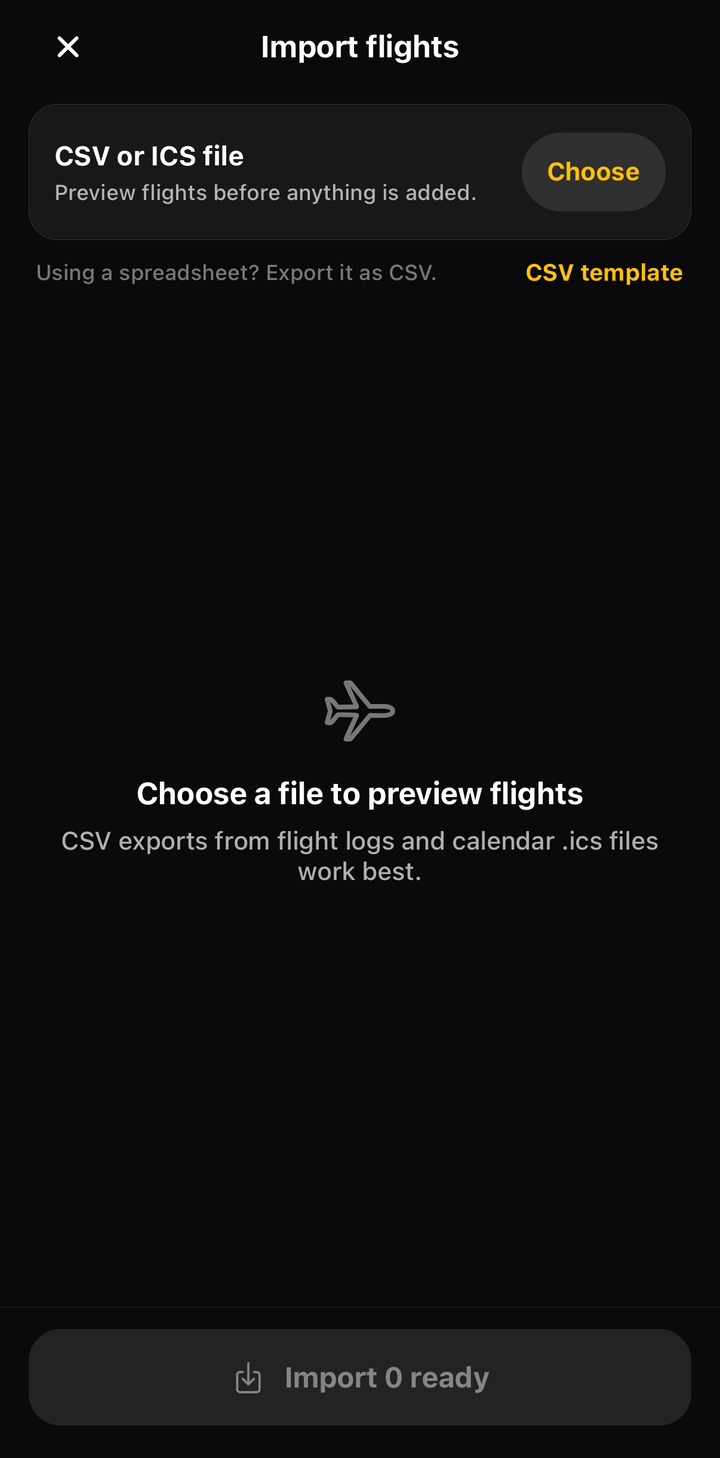
Switching from another flight log or travel app? Export your history as a CSV file, or use a calendar file (.ics), and import it into FlightBook in one go. You preview every flight before it's added.
- Works with exports from flight logs, spreadsheets and calendars
- A CSV template to start from; rows without a flight number come in as manual flights
- Or add a single past flight with its flight number and date
Your year in review Premium
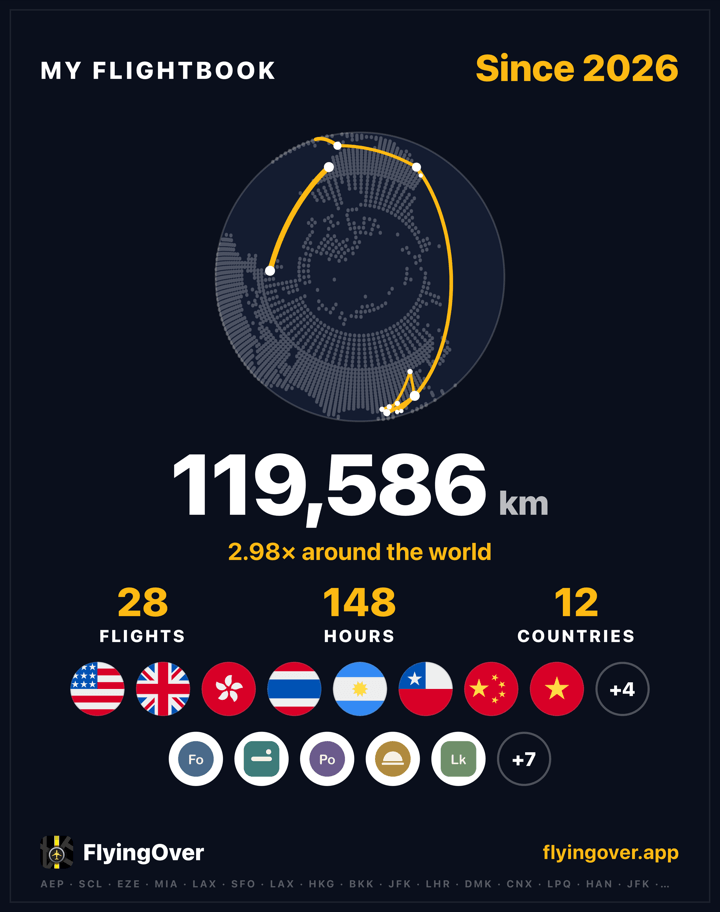
From December 1 to January 31, FlightBook turns your year into a summary you can share: distance, hours in the air, flights, countries, your top airlines and routes, and milestones such as a new country or a first aircraft type.
- Built from the flights in your FlightBook for that year, nothing to set up
- Each part is a card ready for your stories
Boarding-pass and bag-tag stickers
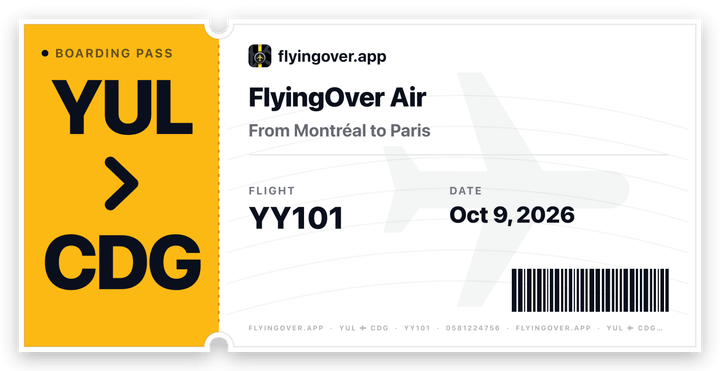
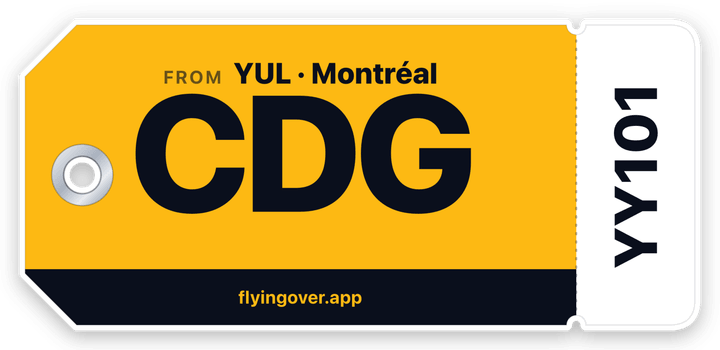
Each flight comes with two stickers to share, with your airports, date and seat. Paste one into a story or a chat, or share it as a full story image.
Booking number and seat
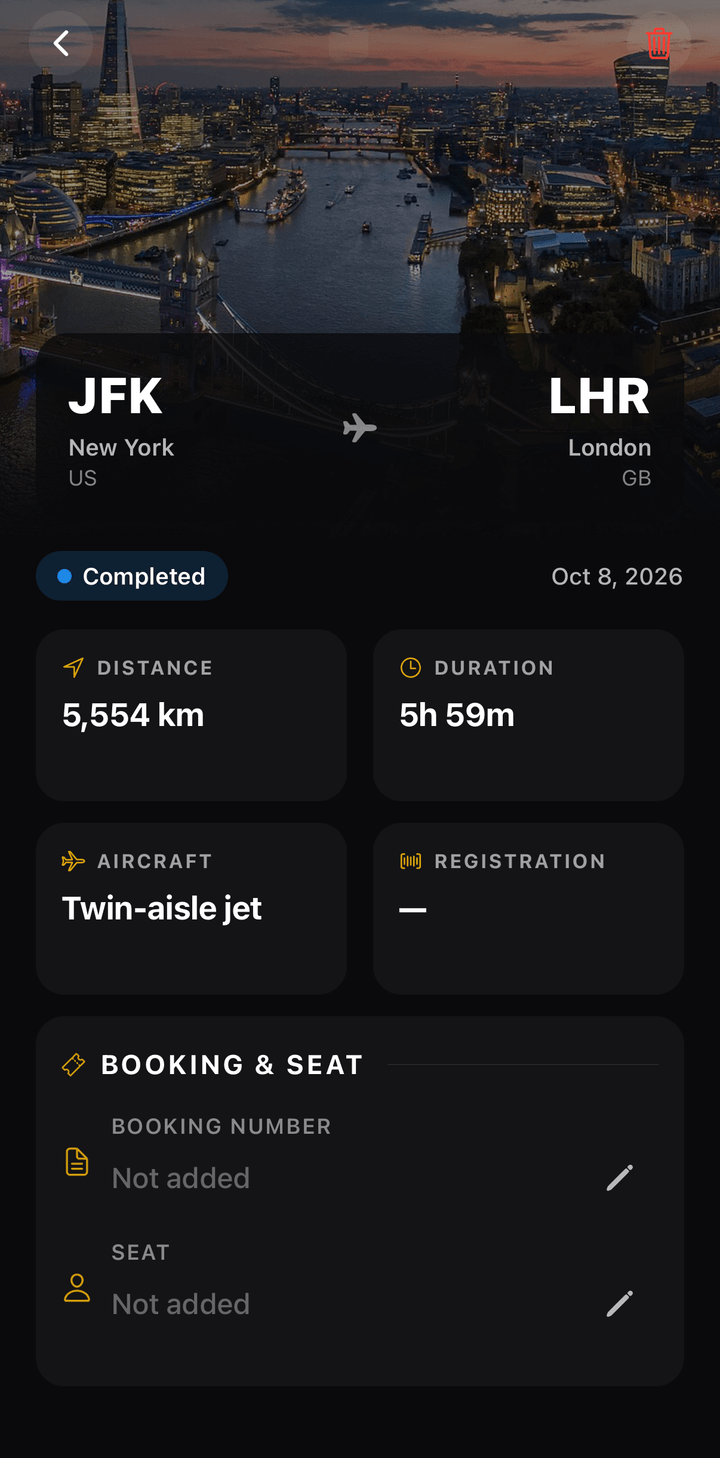
Save the booking number and seat with each flight. They show on the home screen and in FlightBook, one tap to copy. Your sticker can show the seat, never the booking number.
In your language, your units, your theme
FlyingOver speaks 12 languages, shows distances in kilometres or miles, and follows your phone's light or dark mode, or the one you pick.
Free and Premium
Everything above works on the free plan except where it says Premium.
| Free and Premium | Free | Premium |
|---|---|---|
| Search and follow any flight | Included | Included |
| Offline route map, also in airplane mode | Included | Included |
| Boarding-pass and bag-tag stickers | Included | Included |
| Booking number and seat | Included | Included |
| FlightBook, stats and share cards | Not included | Included |
| Upcoming flights saved at any date | Not included | Included |
| Gate, terminal and delay details | Not included | Included |
| Push alerts for gate changes, delays and landing | Not included | Included |
| Live Activity on the iPhone Lock Screen | Not included | Included |
The free plan keeps one upcoming flight up to 7 days ahead. Premium is an optional subscription; the price for your country is shown in the app.

See it on your next flight.
Download FlyingOver and add your flight. It takes less than a minute.