Skip to content
FlightBook

Every flight you've taken, on one globe.

FlightBook is the flight log inside FlyingOver. Each trip you track lands on a globe of your routes, and your distance, hours, countries and aircraft add up on their own. It comes with FlyingOver Premium.

Included in FlyingOver Premium, on iPhone and Android. No account linking or spreadsheets needed.

What a FlightBook adds up to

Example FlightBook

Flights
64
Distance
238,400km
Hours in the air
312h
Countries
23

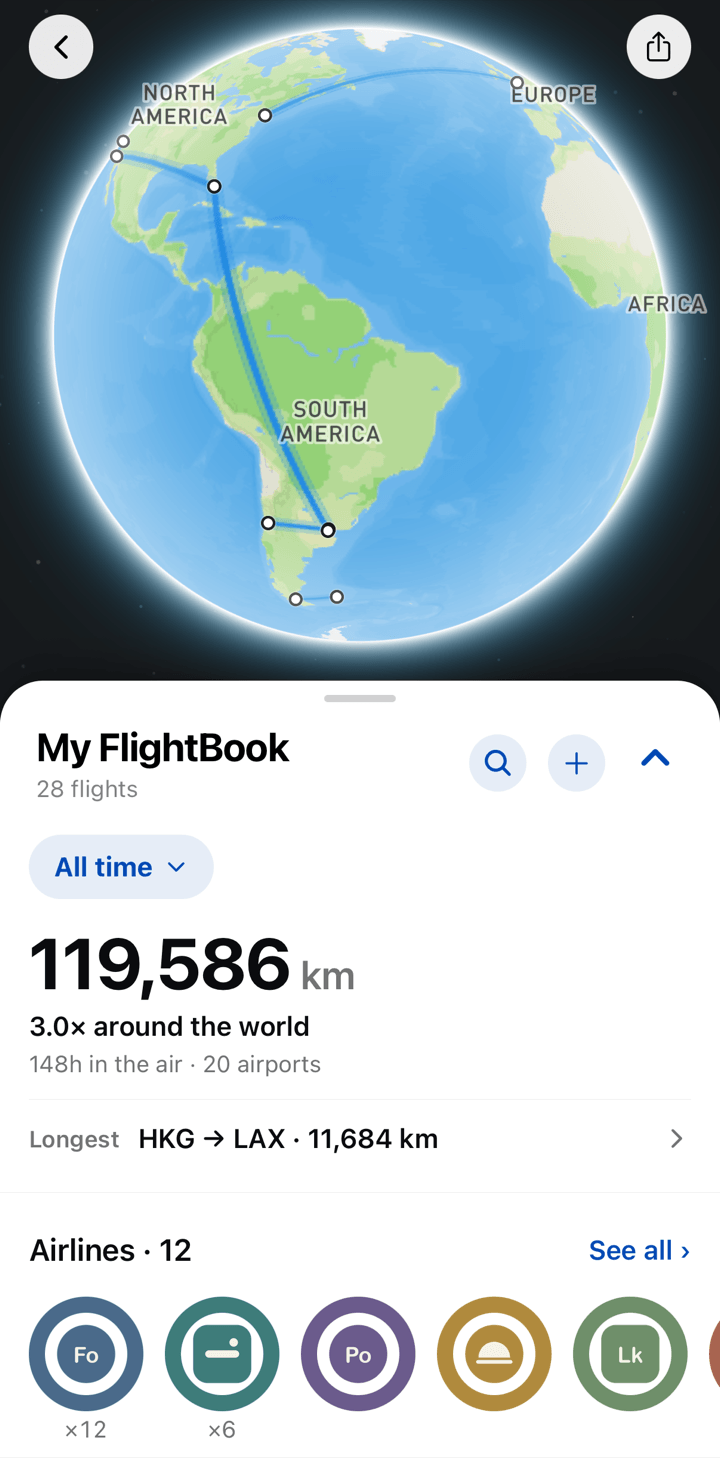
Your routes, drawn on a globe.

Every flight you track is added to the globe: past flights in blue, today's in amber, upcoming ones in green. Spin it to see where your year took you.

Past flightsToday's flightUpcoming
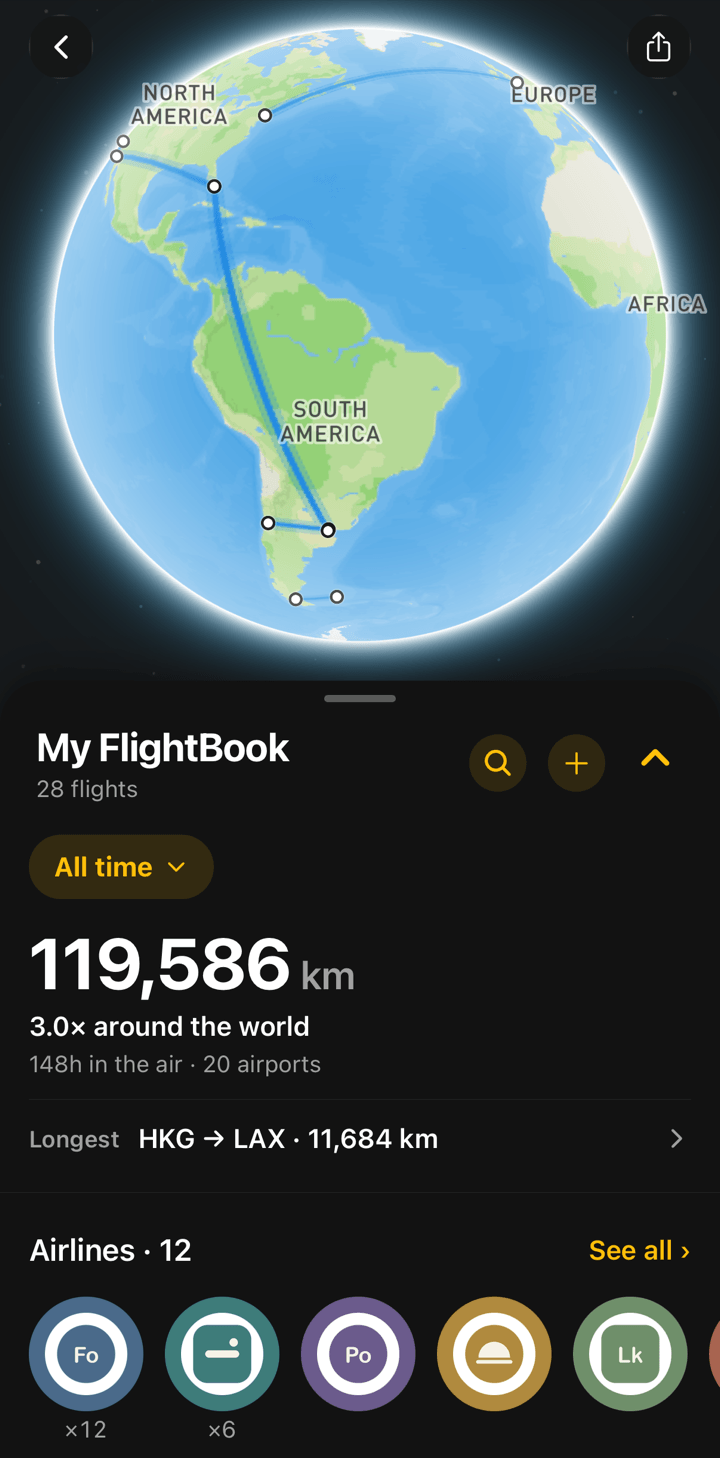
FlightBook globe with blue routes for past flightsFlightBook globe with blue routes for past flights

All time, or one year at a time.

Switch the whole FlightBook between all time and a single year. The globe, the totals and the collections follow.
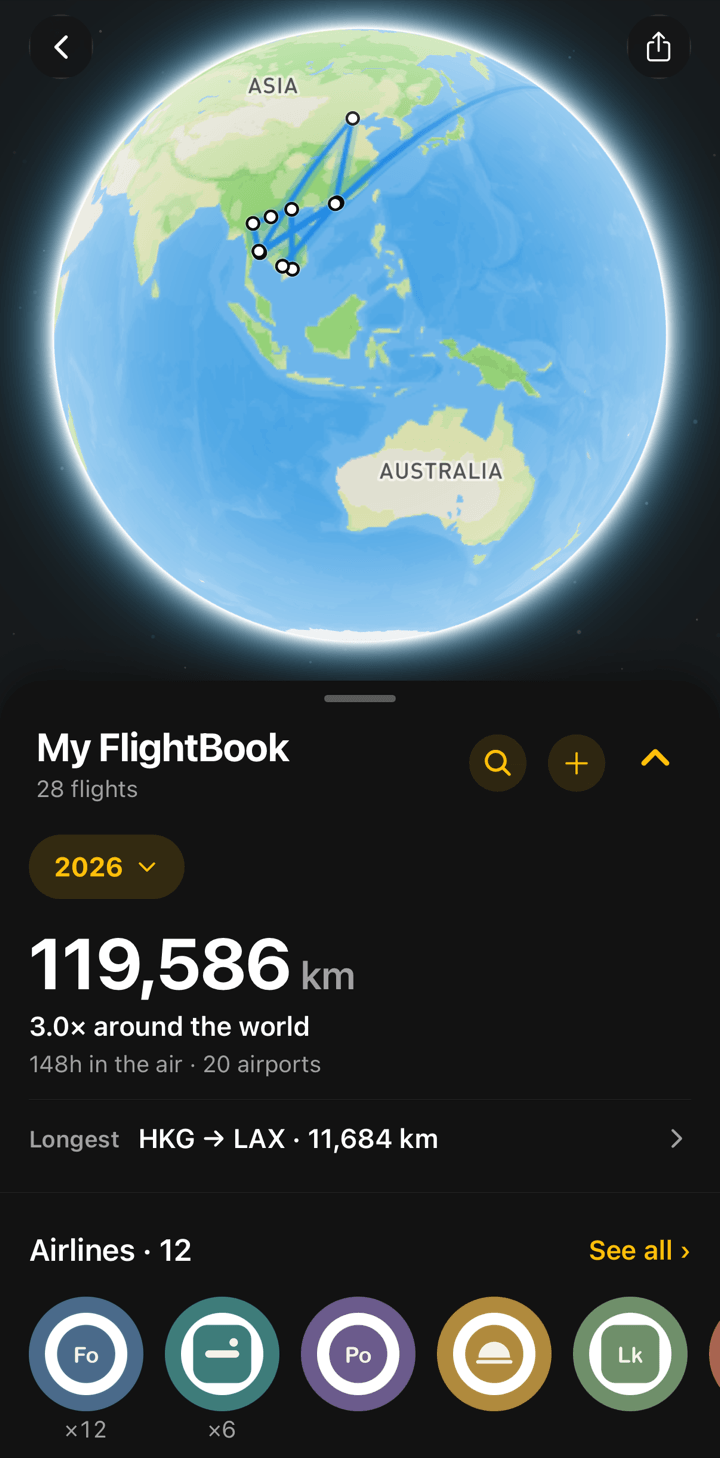
  • Distance and hours, compared to trips around the world
  • Your longest flight and your most-flown routes
FlightBook filtered to one year, with that year's routes and totals

The numbers you were curious about.

How far have you flown? How many hours have you spent in the air? FlightBook counts it for you, flight by flight, and shows it in a summary you can scroll.
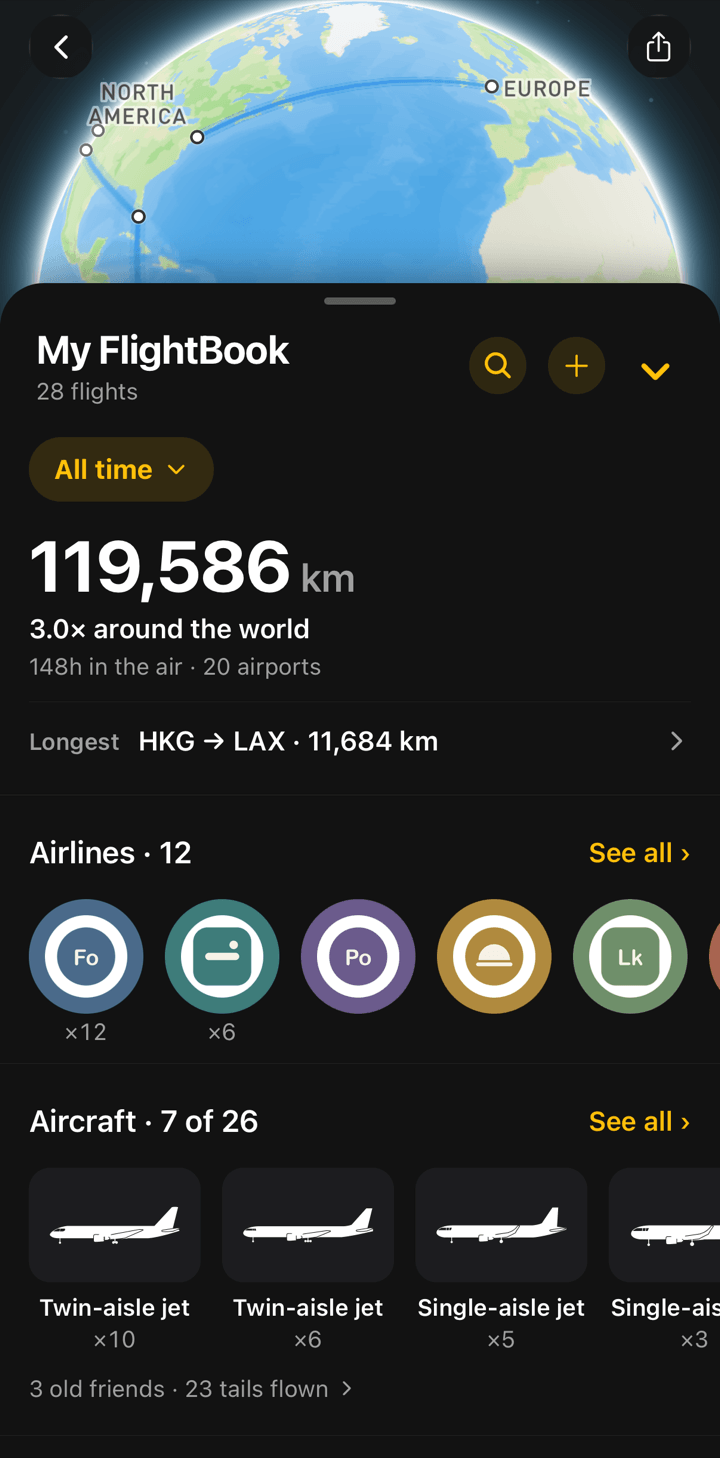
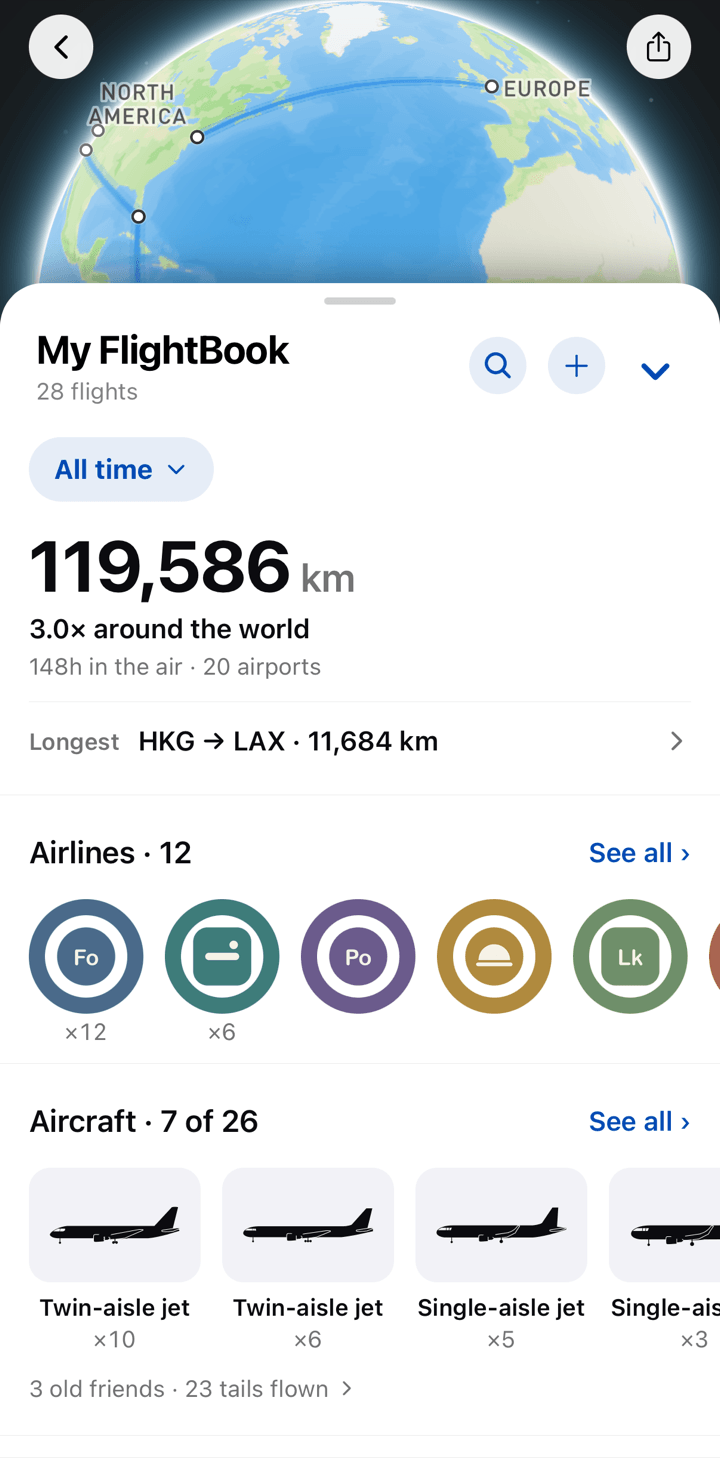
FlightBook summary with the number of flights, distance flown and hours in the airFlightBook summary with the number of flights, distance flown and hours in the air

Countries, as a wall of flags.

Each new country you land in adds a flag. Fly only within the US and the flags become states instead.
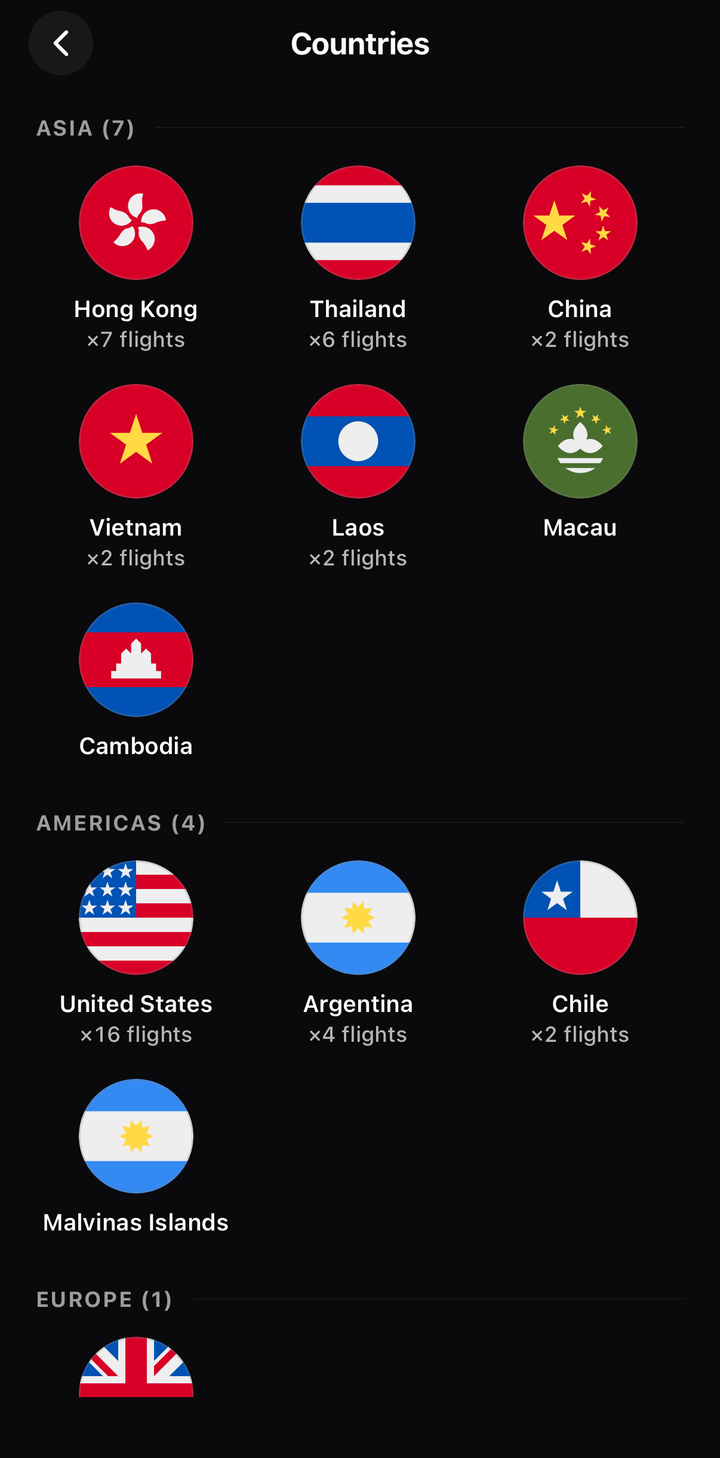
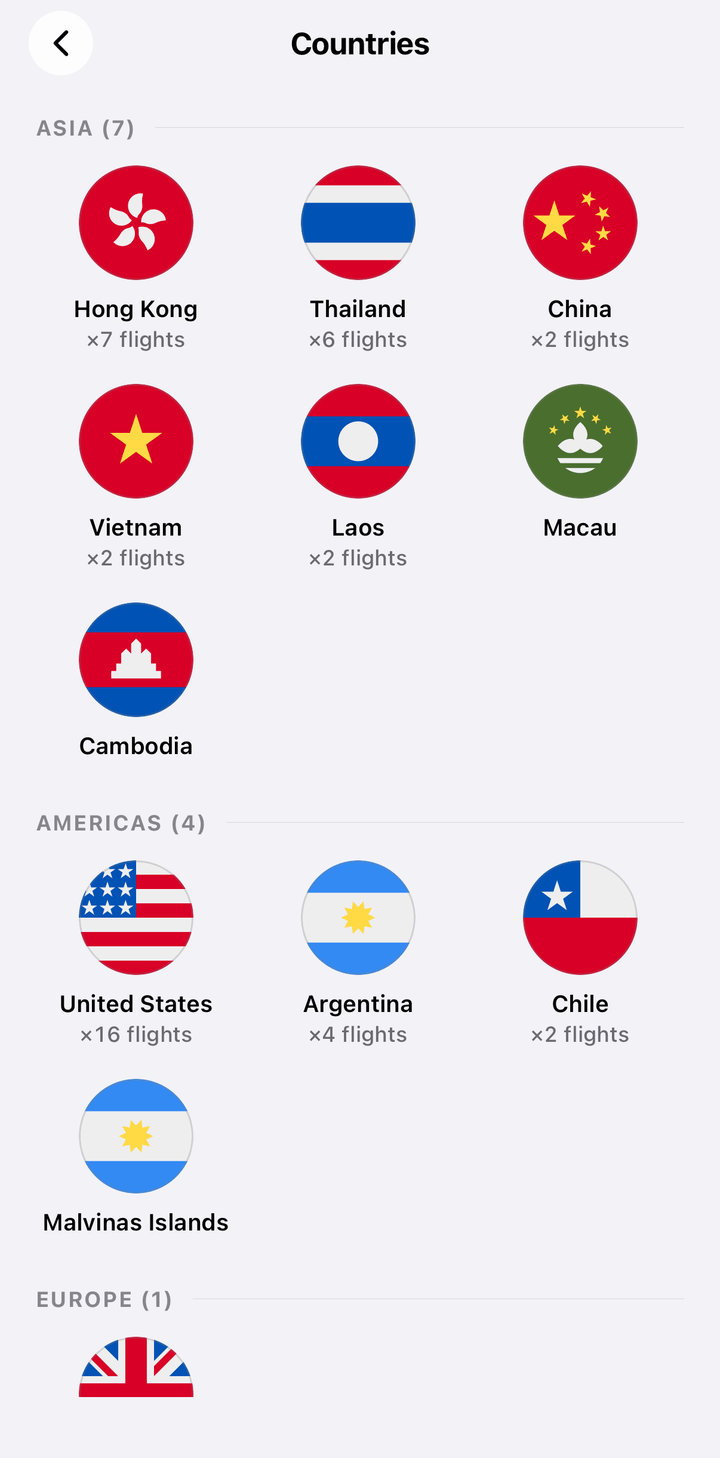
Countries page in FlightBook with a round flag for each country visitedCountries page in FlightBook with a round flag for each country visited

Every airline, as a sticker.

Each airline you fly with adds a sticker to your album. Sort them by continent, see them all, or rank them by how often you've flown with each one.
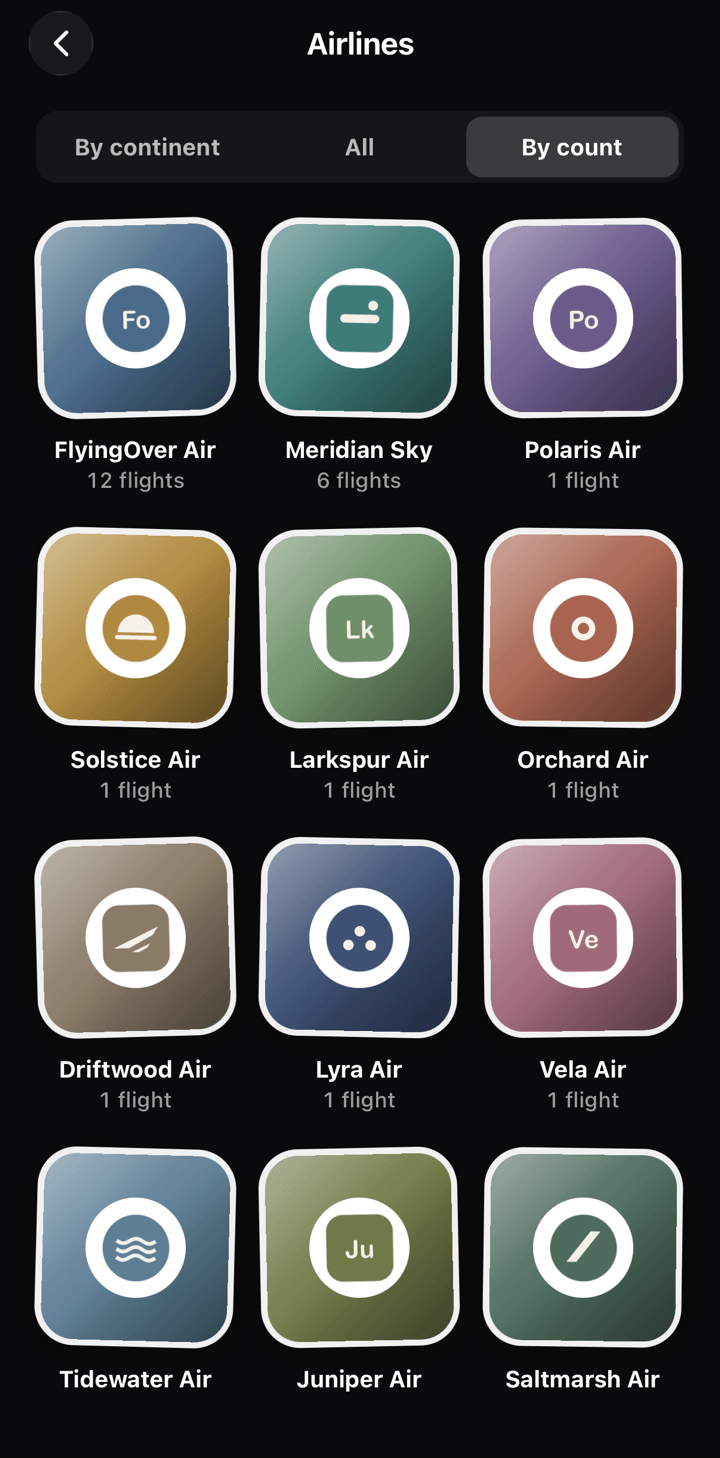
Album of airline stickers in FlightBook, sorted by the number of flightsAlbum of airline stickers in FlightBook, sorted by the number of flights

A hangar of every aircraft type.

Each aircraft type you've flown gets its silhouette. Types you haven't flown yet wait as outlines, and FlightBook tells you when you meet the same plane again.
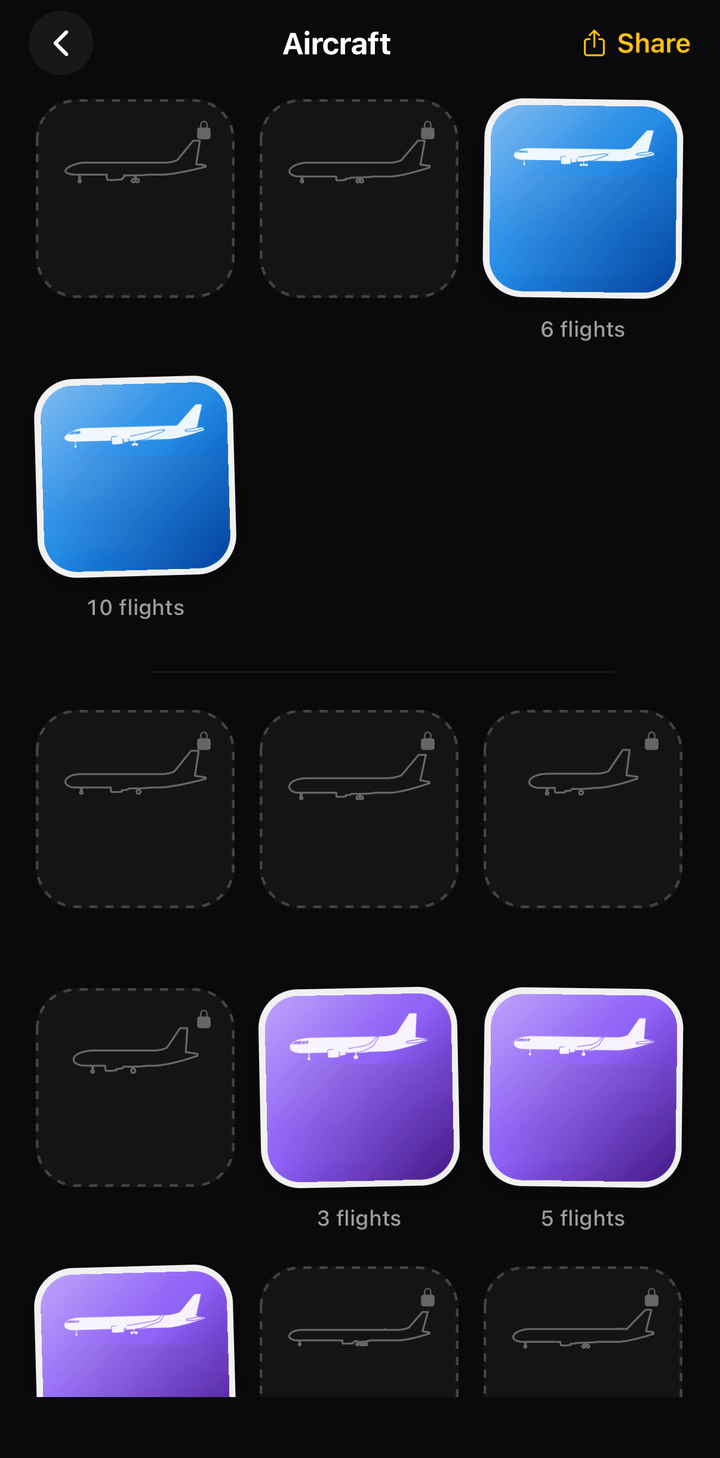
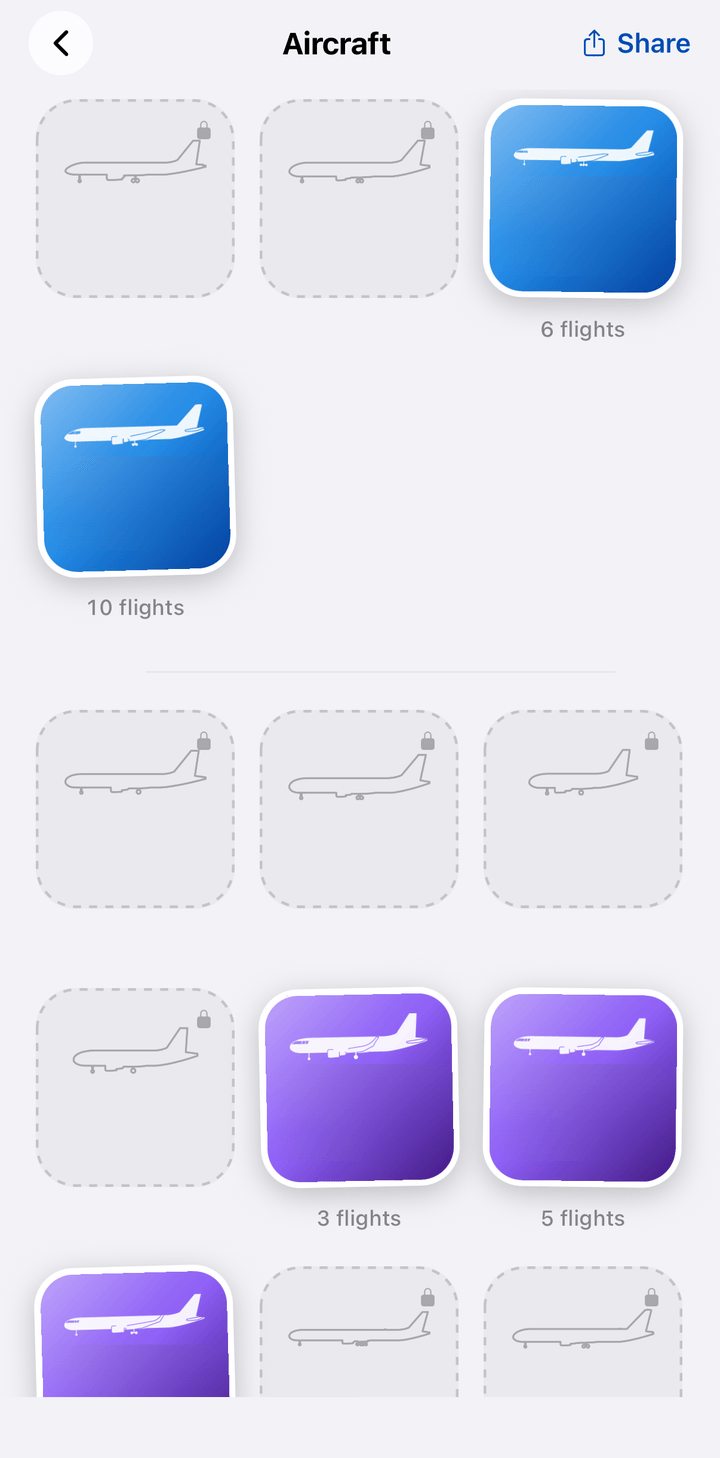
Aircraft page in FlightBook with silhouettes of the aircraft types flown and outlines of the othersAircraft page in FlightBook with silhouettes of the aircraft types flown and outlines of the others

Every flight, remembered.

Open any trip to see its route, times, aircraft and a photo of the destination city, along with your seat and booking number if you saved them.
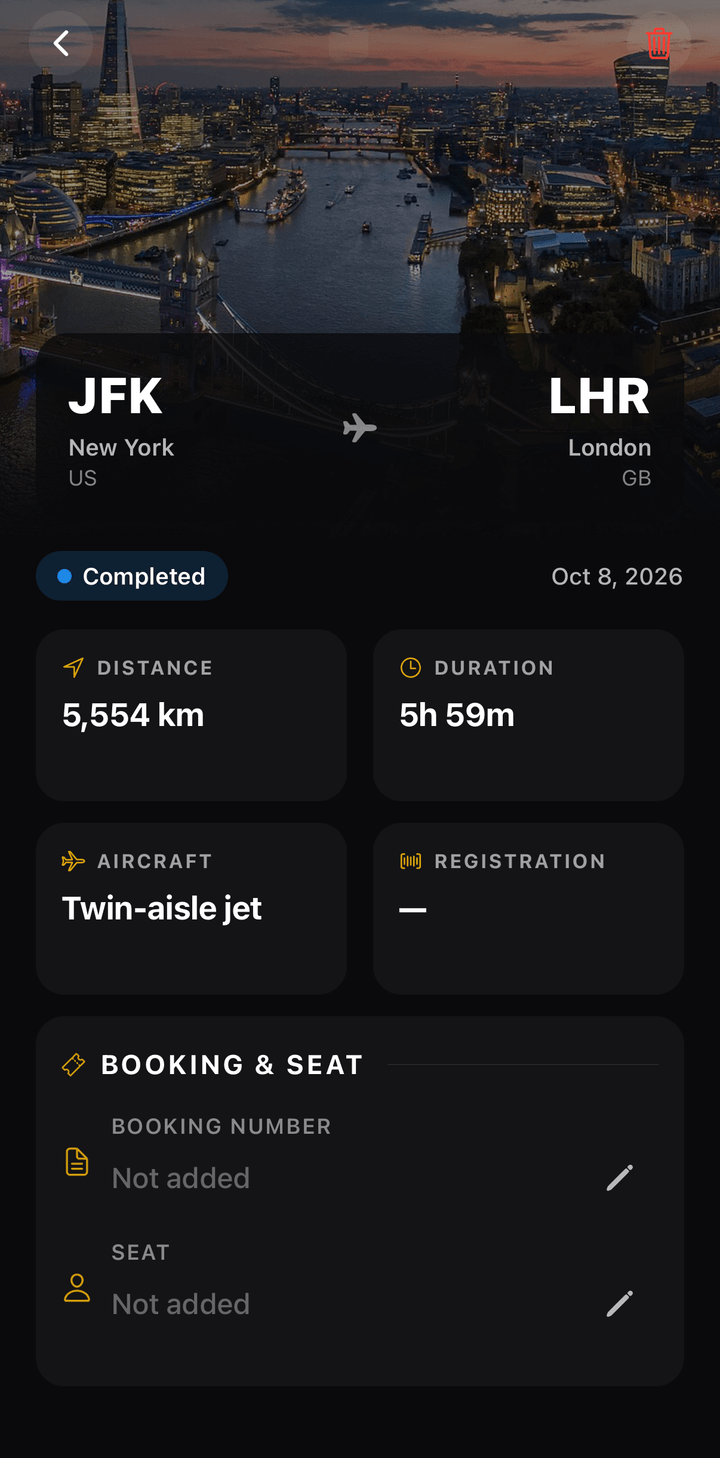
Flight detail in FlightBook with a photo of the destination city and the route map

Share it

Cards and stickers worth posting.

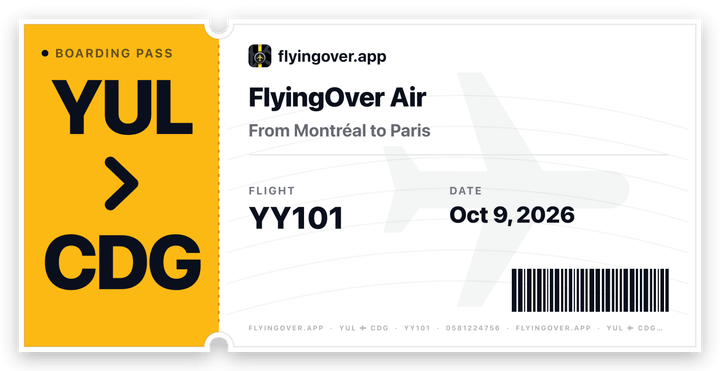
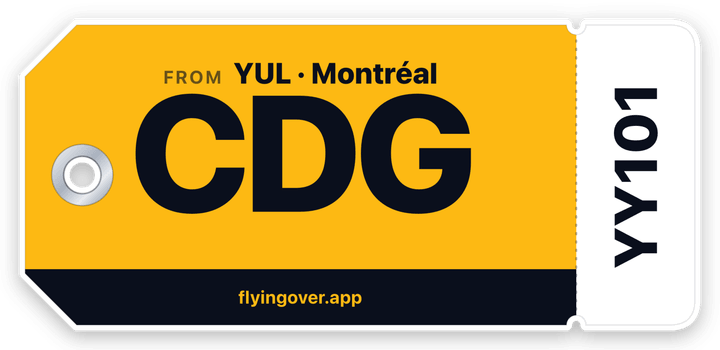
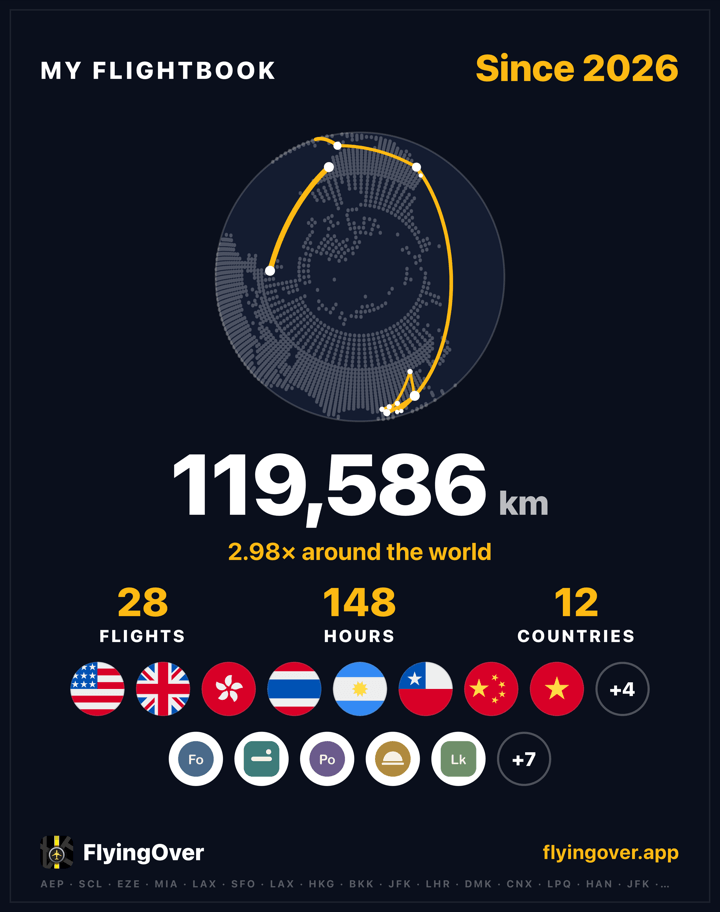
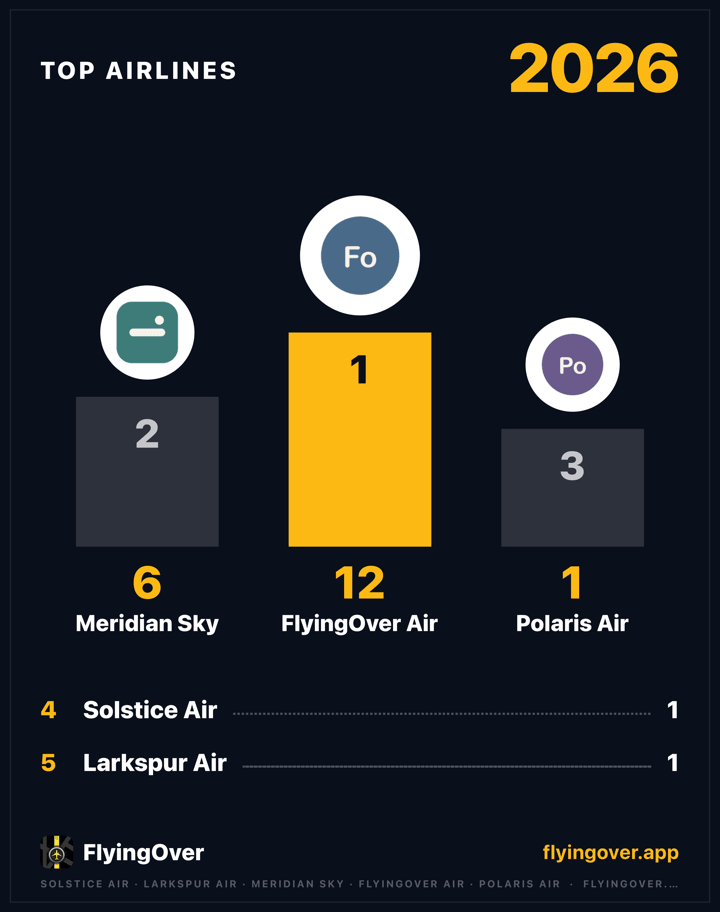
Turn your FlightBook into cards for your stories: your year, your top routes, your hangar and milestones like a new country. Every flight also gets a boarding-pass and a bag-tag sticker.
  • Year in review from December 1 to January 31
  • Milestones: a new country, a first aircraft type, another lap of the world
  • Cards for your year, your routes and your hangar
Share cards from FlightBook, ready to post

Start in minutes

Bring the flights you've already taken.

FlightBook fills itself as you track new trips. For the ones before, add them one by one or import them all at once.

Add a past flight

Type the flight number and the date. FlyingOver finds the route and the aircraft.
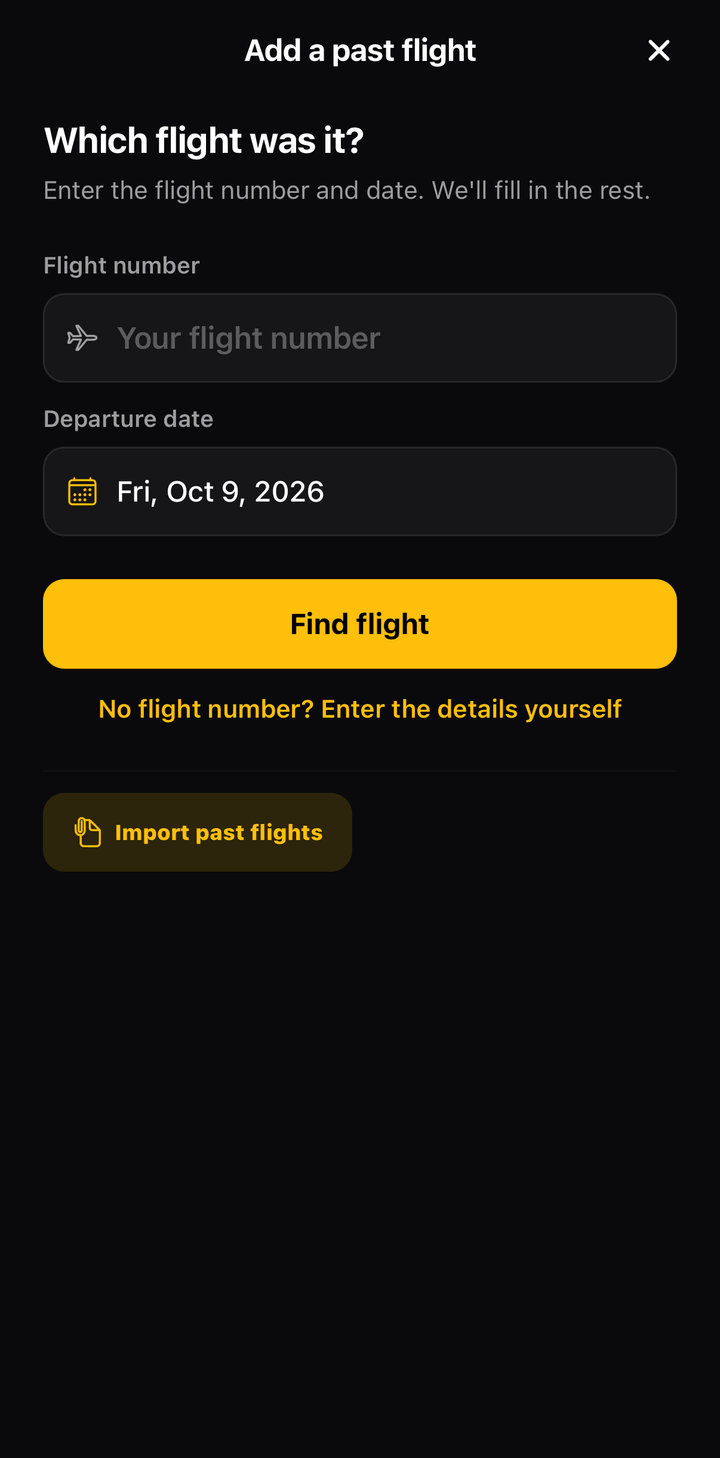
Add a past flight screen in FlightBook with a search by flight number

Import your history

Have a spreadsheet of past trips? Import a CSV file; there's a template to start from. Rows without a flight number come in as manual flights.
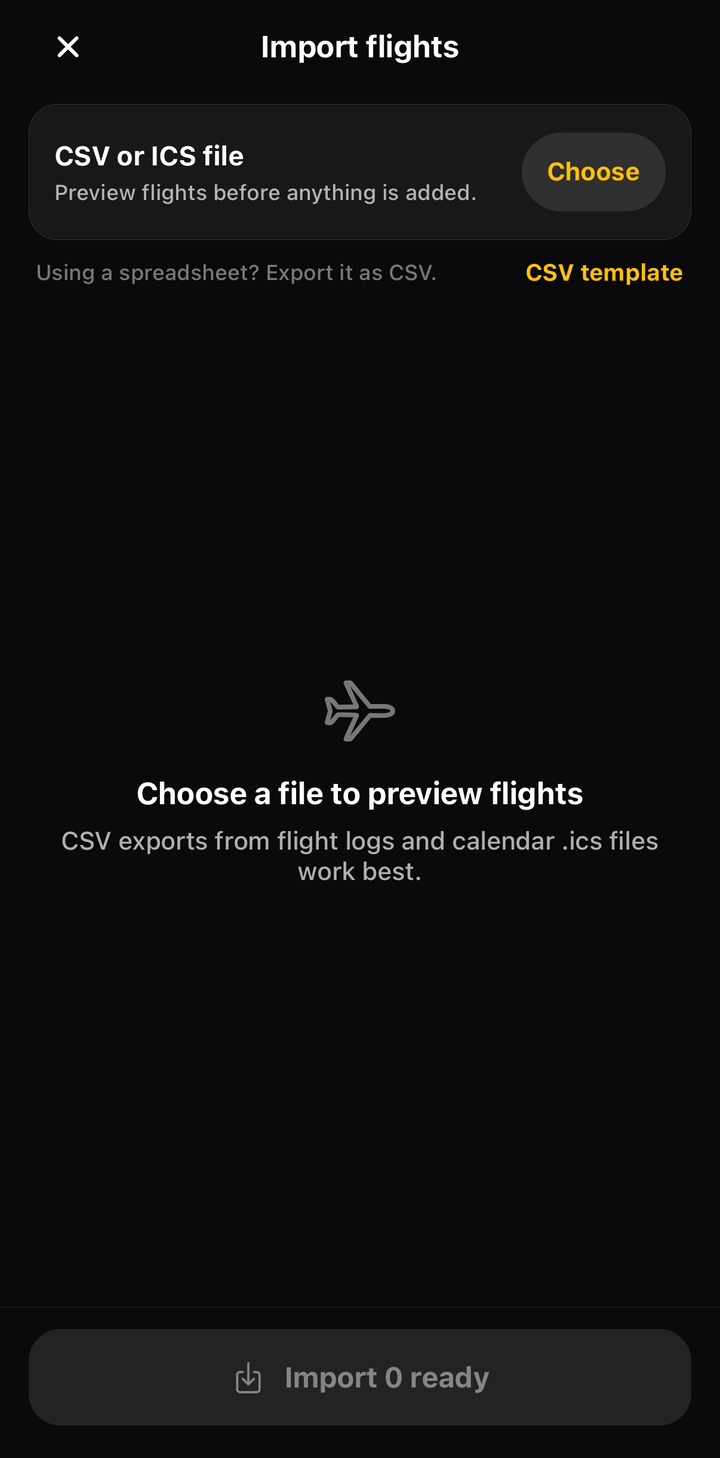
CSV import in FlightBook with the flights found in the file

FlightBook comes with Premium.

The globe, the stats, the collections and the share cards are part of FlyingOver Premium, together with gate and delay alerts and unlimited upcoming flights. Tracking a flight, the offline map and the boarding-pass and bag-tag stickers stay free.
FlightBook questions

Is FlightBook free?

No. FlightBook is part of FlyingOver Premium, with its stats, collections and share cards. Downloading FlyingOver and tracking a flight are free.

Can I import flights I took before installing FlyingOver?

Yes. Add them one by one with the flight number and date, or import a CSV file. The app includes a template.

Does FlightBook work offline?

Your FlightBook is saved on your phone, so you can browse it without a connection. Adding or importing flights needs internet.

Who can see my FlightBook?

Only you. It's stored on your phone and in your account. Nothing is shared unless you share a card or a sticker yourself.

What counts as a country?

A country counts when one of your flights lands there. If all your flights are within the US, FlightBook counts states instead.
FAQ

Start your FlightBook today.

Download FlyingOver, track your next flight and watch your globe fill up.